Account Overview
An account isn’t the whole of GranoFlow, but it determines how you restore identity across devices, sync data, and view membership status.
A Real-World Scenario
Section titled “A Real-World Scenario”If you’re using GranoFlow locally on a single computer, you can mostly skip account settings for now. But if you plan to switch devices or use sync, you’ll need to check login, recovery, and device joining status.
Approach the Account Page by Your Question
Section titled “Approach the Account Page by Your Question”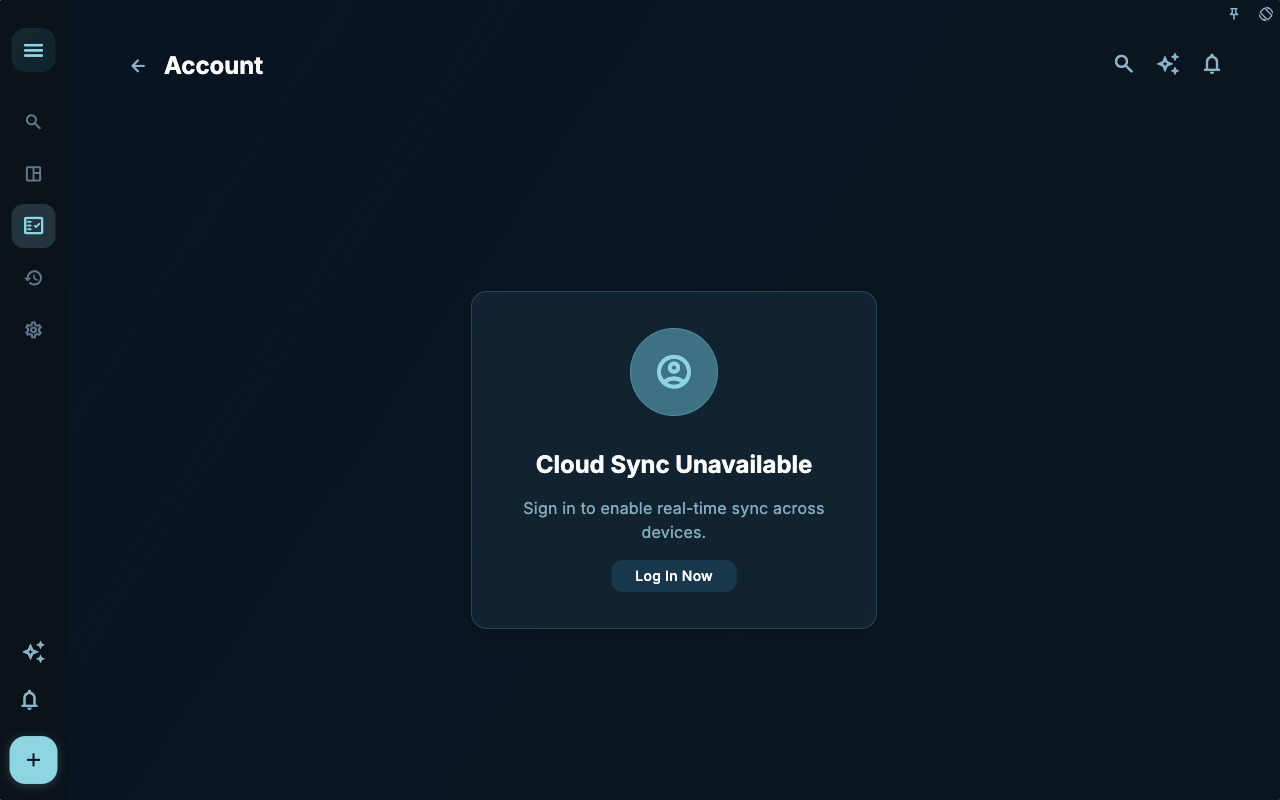
The account page first tells you your current login identity. Whenever sync, subscription, or recovery is involved, the first step is confirming this account is the one you want to use.
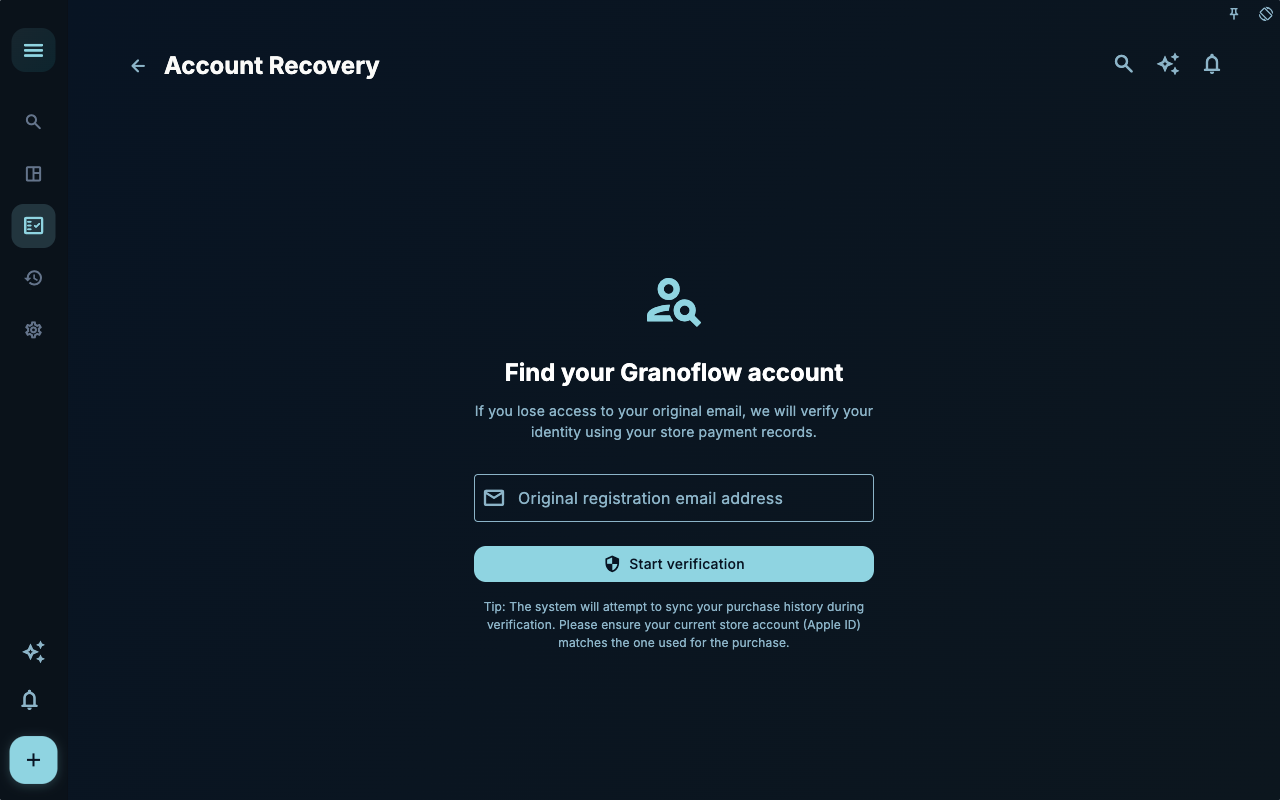
The account recovery page is for managing recovery clues when switching devices or losing access. It’s not a daily entry point—only focus on it when identity or keys need to be re‑confirmed.
When adding a new device to sync, first confirm the old device and current account status. This handles “join this device to the existing data link,” not creating a fresh set of empty data.
How to Decide Your Next Step
Section titled “How to Decide Your Next Step”| Your Situation | What to Check First | Next Step | | --- | --- | --- | | Not sure where to start | Current page title and main entry points | Choose only one item related to your current goal | | Action didn’t produce expected result | Status, empty hints, access logs, or sync progress | Go back one level and check step by step | | Worried about affecting data | Backup, sync, account, or permissions documentation | Stop, confirm the scope, then continue |
Boundaries
Section titled “Boundaries”The account page focuses on identity and recovery—not everyday task management.
Next Steps
Section titled “Next Steps”After reading this section, return to whatever task you were working on and take one minimal action: record an input, check a status, or open a relevant setting to confirm.