Data & Security Overview
Data security isn’t something you solve with a single button. GranoFlow has at least four separate things: local storage, cloud sync, local backup, and attachment cleanup.
A Real-world Scenario
Section titled “A Real-world Scenario”When switching devices, look at sync and recovery; before reinstalling, look at local backup; when disk space is tight, look at attachments; when worried about account issues, start with recovery information.
Three Entry Points for Three Types of Risk
Section titled “Three Entry Points for Three Types of Risk”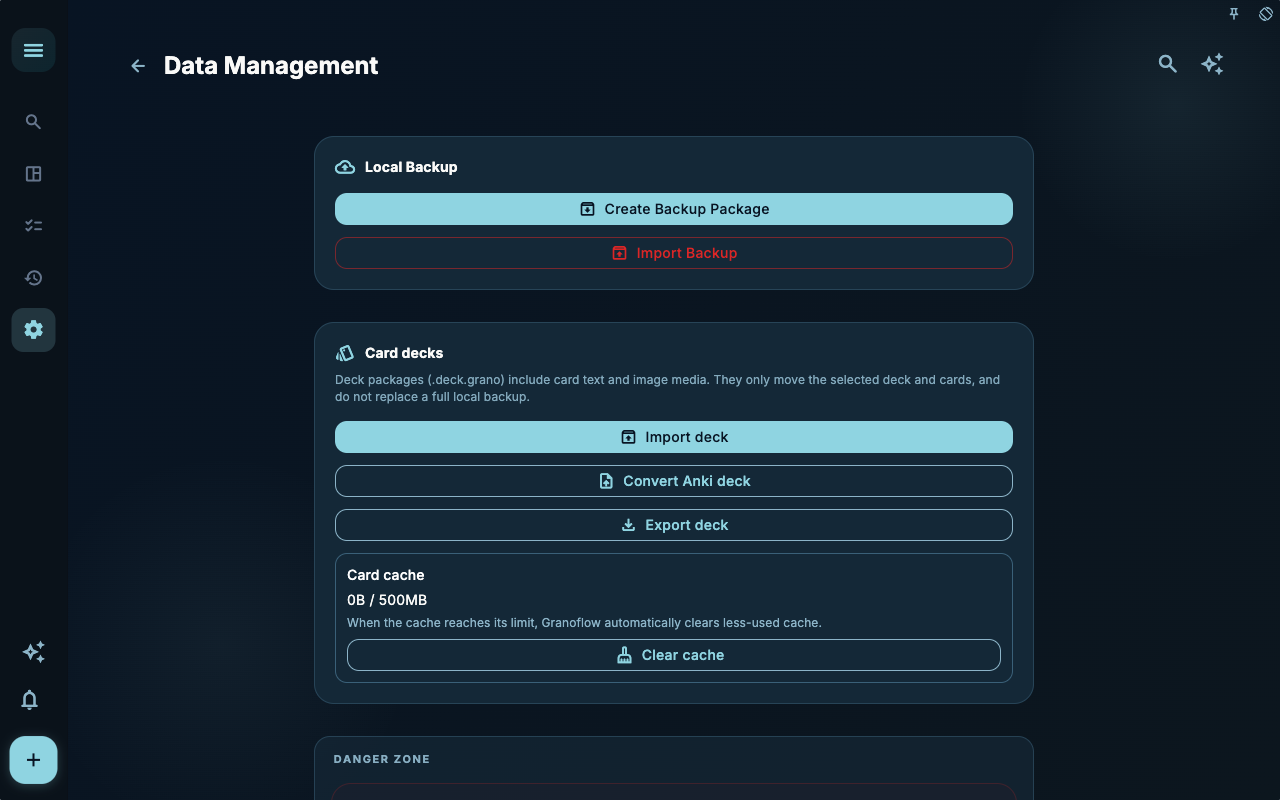
The Data Management page is the place to handle backups, imports, card sets, and attachment cache. It’s where you should go first before migrating, restoring, or cleaning up.
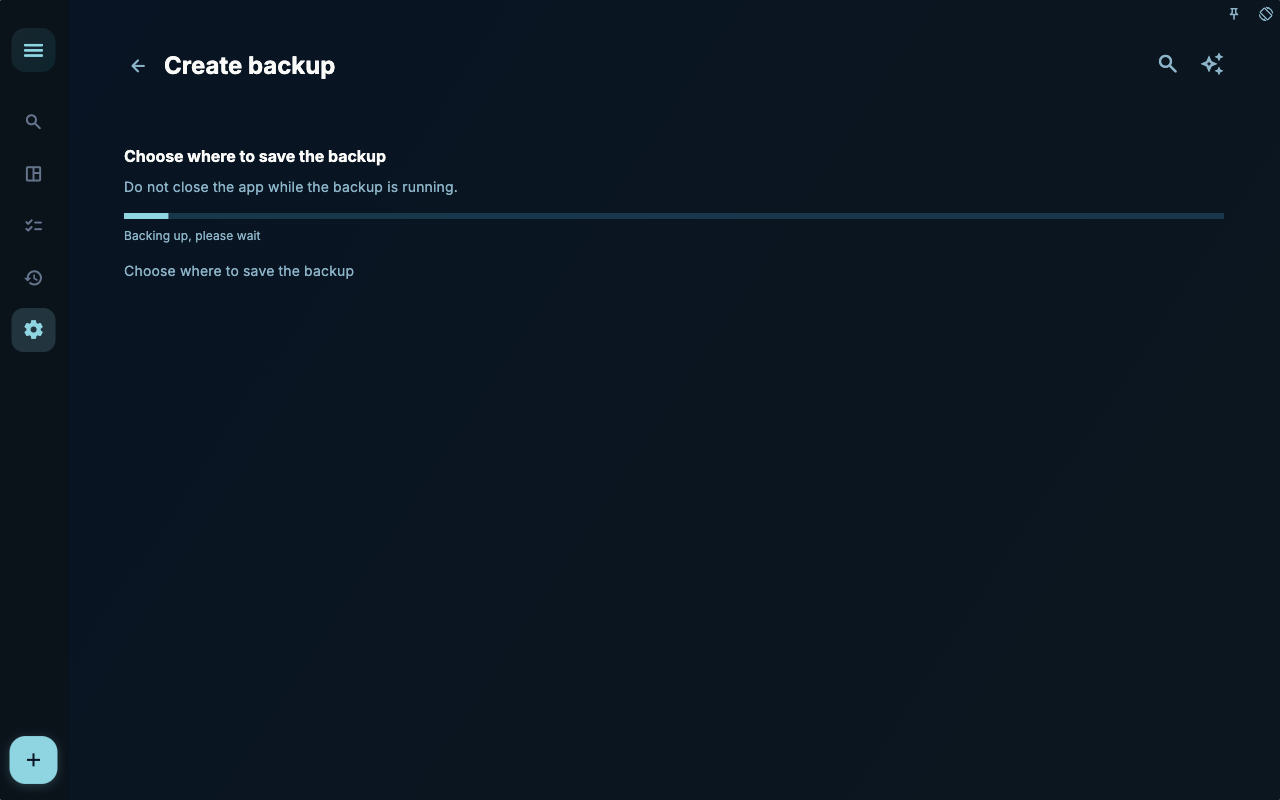
When the local backup progress appears, wait until the process finishes. Closing the app or cleaning files while a backup is still running will only make recovery harder later.
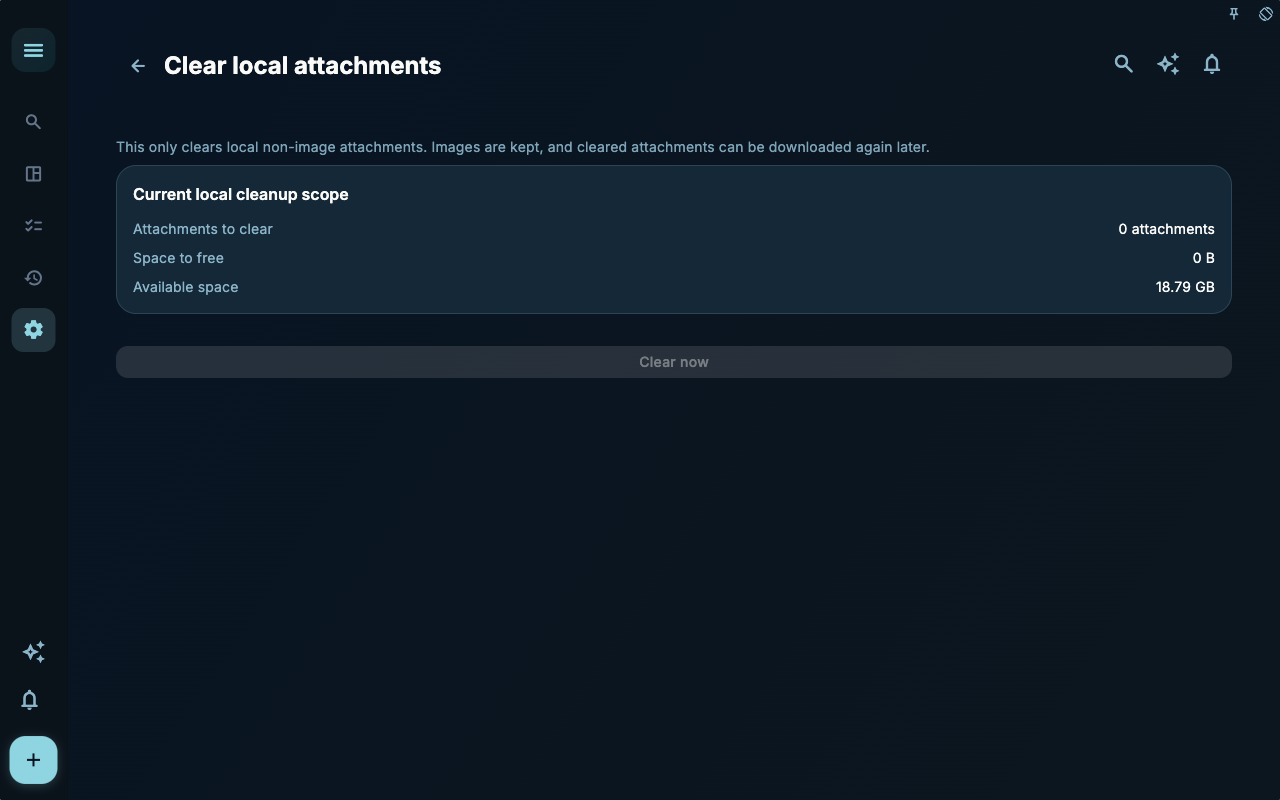
Attachment cleanup only deals with space‑hogging files; it doesn’t delete tasks themselves. Before cleaning, confirm whether you still need to open those images, PDFs, or media files in your records.
How to Decide What to Do Next
Section titled “How to Decide What to Do Next”| Your situation | Check first | Next step | | --- | --- | --- | | Not sure where to start | Current page title and main entry points | Choose only the option that matches your current goal | | Result after an action is wrong | Status, empty prompts, access logs, or sync progress | Go back one level and troubleshoot step by step | | Worried about affecting data | Backup, sync, account, or permissions info | Stop first, confirm the scope, then continue |
Boundaries
Section titled “Boundaries”First, figure out which risk you need to guard against: lost device, device switch, sync interruption, or low local storage.
Next Steps
Section titled “Next Steps”After reading this section, go back to the task you’re working on and pick just one small action to continue: log an entry, check a status, or open the relevant setting to confirm once.