GranoFlow FAQ
FAQ is best for quickly finding answers when you encounter a specific issue. It is not a roadmap for learning Granoflow from scratch.
A Real Scenario
Section titled “A Real Scenario”If you just want to know “why can’t I see new tasks from the desktop on my phone,” start with sync and accounts. For a systematic understanding of workflows, go back to the Getting Started and Tasks chapters.
Common questions usually start from these three areas
Section titled “Common questions usually start from these three areas”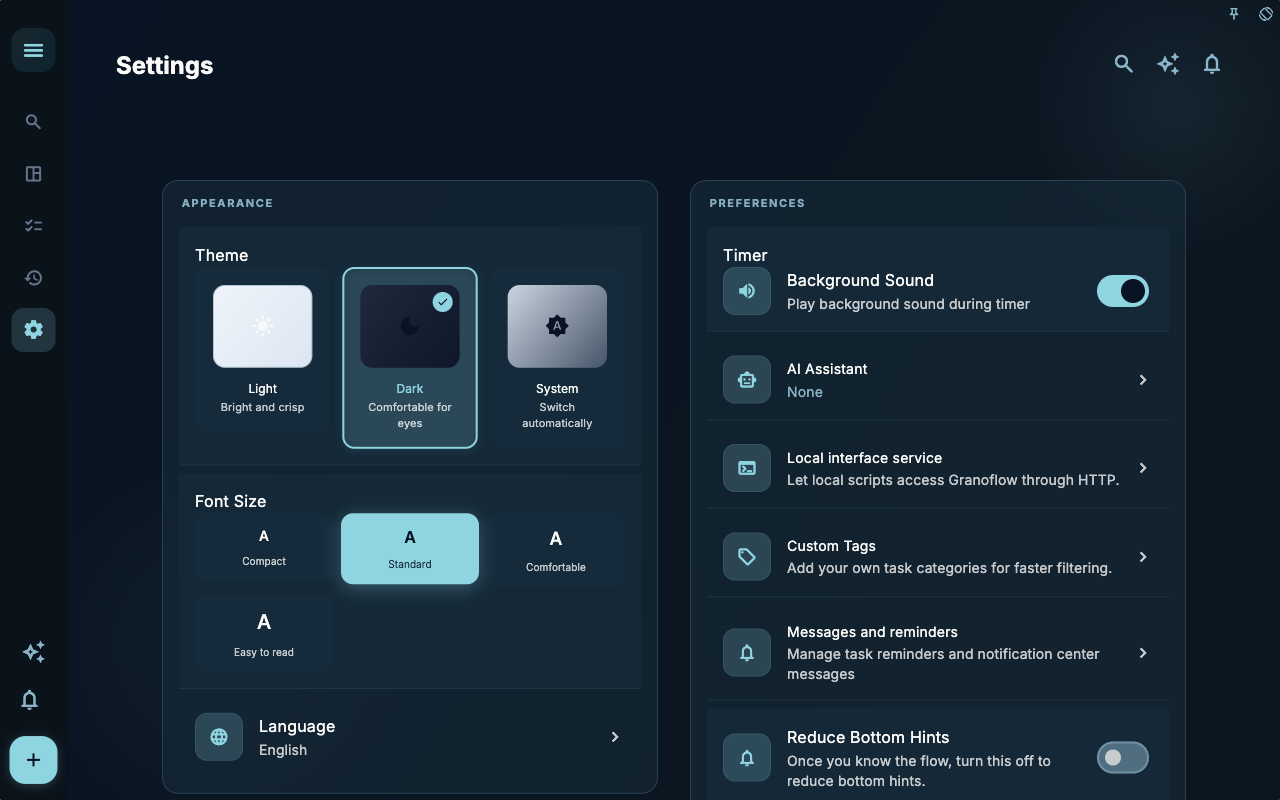
The Settings overview is a good place to find the entry point. Issues with accounts, data, AI, notifications, and desktop connections can all be branched from here.
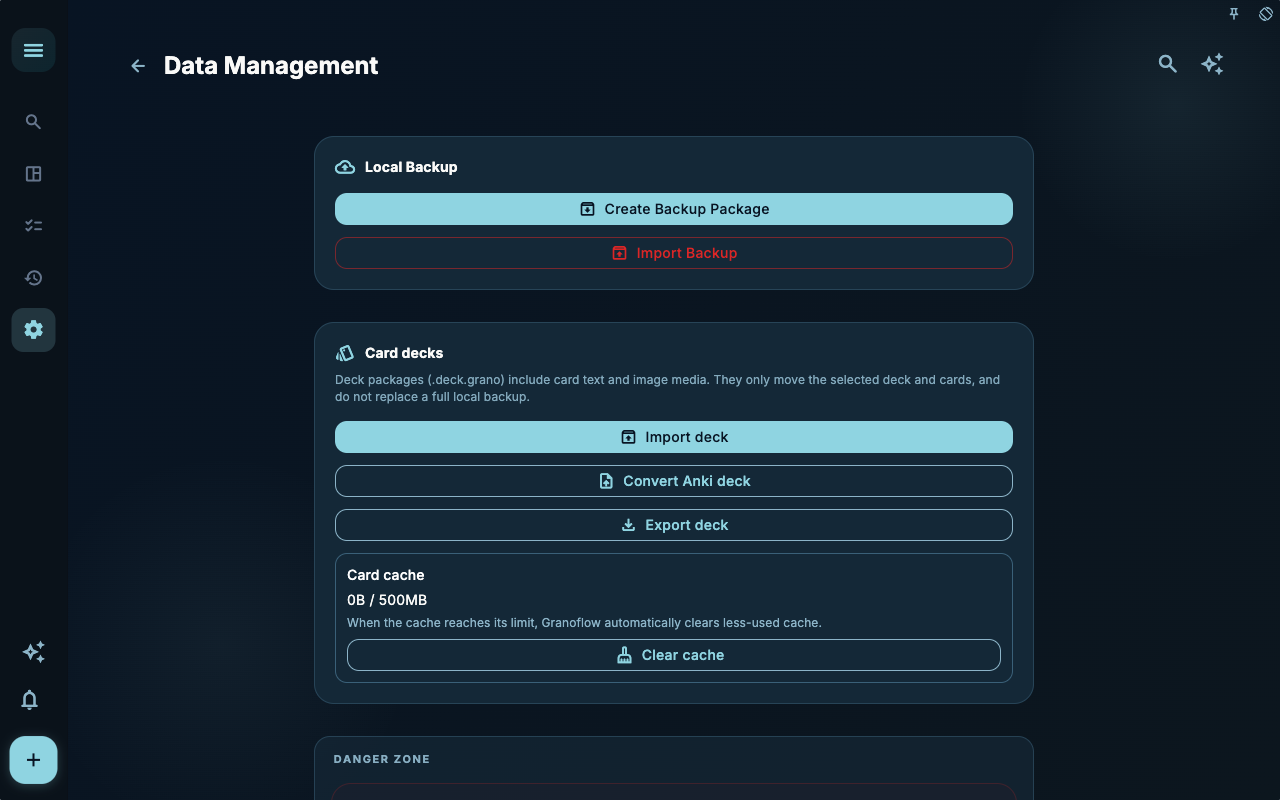
Data management handles backups, imports, attachments, and decks. If your issue involves migration, recovery, or storage usage, start here.
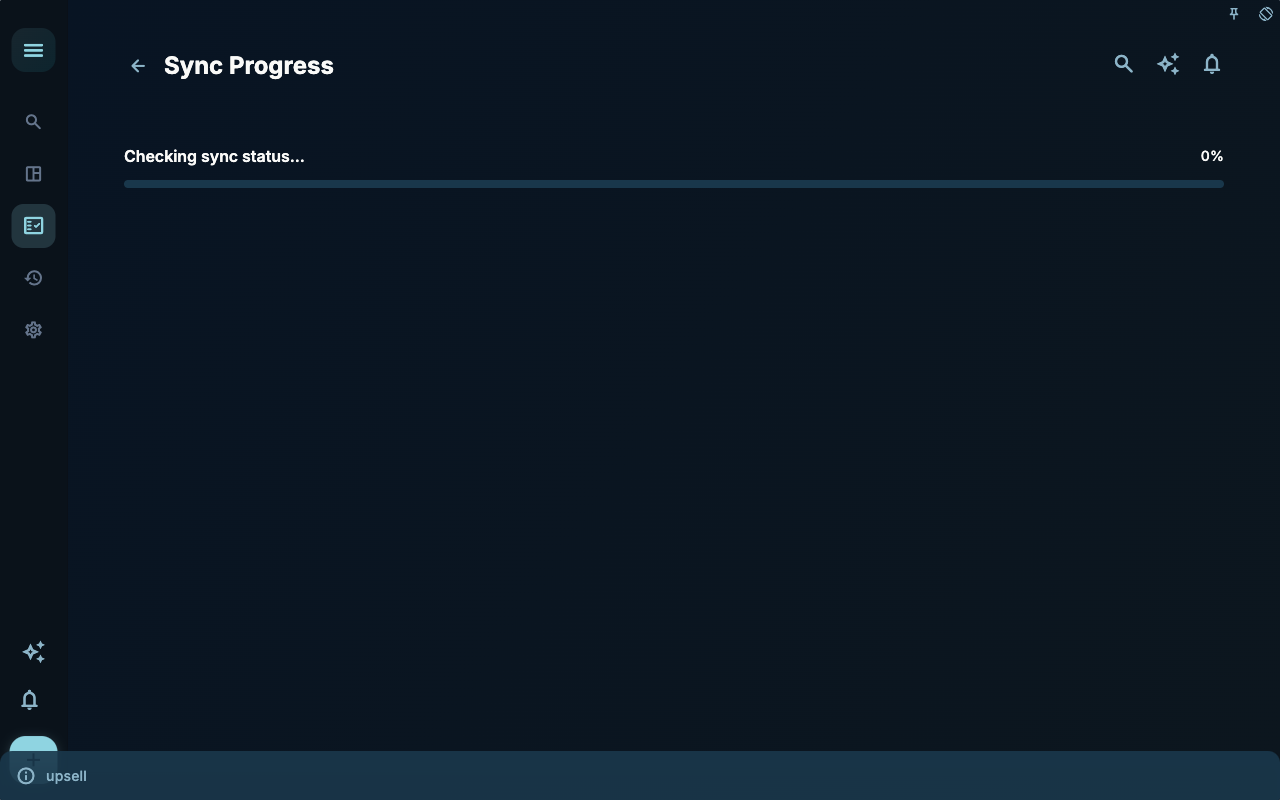
Sync progress helps you determine whether multi-device data is still on its way. When a new device doesn’t show content, don’t rush to rebuild data — first check if sync is complete.
How to decide your next step
Section titled “How to decide your next step”| Your situation | Where to look first | Next step | | --- | --- | --- | | Not sure where to start | Current page title and main entry points | Choose only one item relevant to your current goal | | Result is not as expected after an action | Status, empty hints, access records, or sync progress | Go back one level and troubleshoot in order | | Worried about affecting data | Backup, sync, account, or permissions documentation | Stop first, confirm the scope, then continue |
Boundaries
Section titled “Boundaries”FAQ answers usually point to a more specific page. Once you find the direction, go to the corresponding section to handle it.
Common decisions
Section titled “Common decisions”| Issue | Where to look | Common next step | | --- | --- | --- | | New device can’t see data | Accounts & Sync | Confirm the account is the same, then check sync status | | Membership not appearing | Subscription & Restore Purchases | Confirm the purchase platform and current account | | AI suggestions are inaccurate | AI Assistant Settings | Narrow down the input scope, confirm before writing | | CLI not connecting | Desktop & Access Logs | First verify the local interface is available | | Attachments taking up space | Data Management | Before cleaning, confirm if you still need to open them |
Next steps
Section titled “Next steps”After reading this section, go back to the task you are working on and take only one small action: record an input, check a status, or open the relevant settings to complete a confirmation.