Account and Membership
Account, membership, and data are often mixed up. An account is your identity, membership is your entitlements, and data is what you save across devices and sync.
A Real‑World Scenario
Section titled “A Real‑World Scenario”If you switch devices and can’t see your membership, first check your account. If you can’t see your tasks, look at sync and restore. Don’t confuse these two issues.
Don’t Mix Identity, Entitlements, and Settings
Section titled “Don’t Mix Identity, Entitlements, and Settings”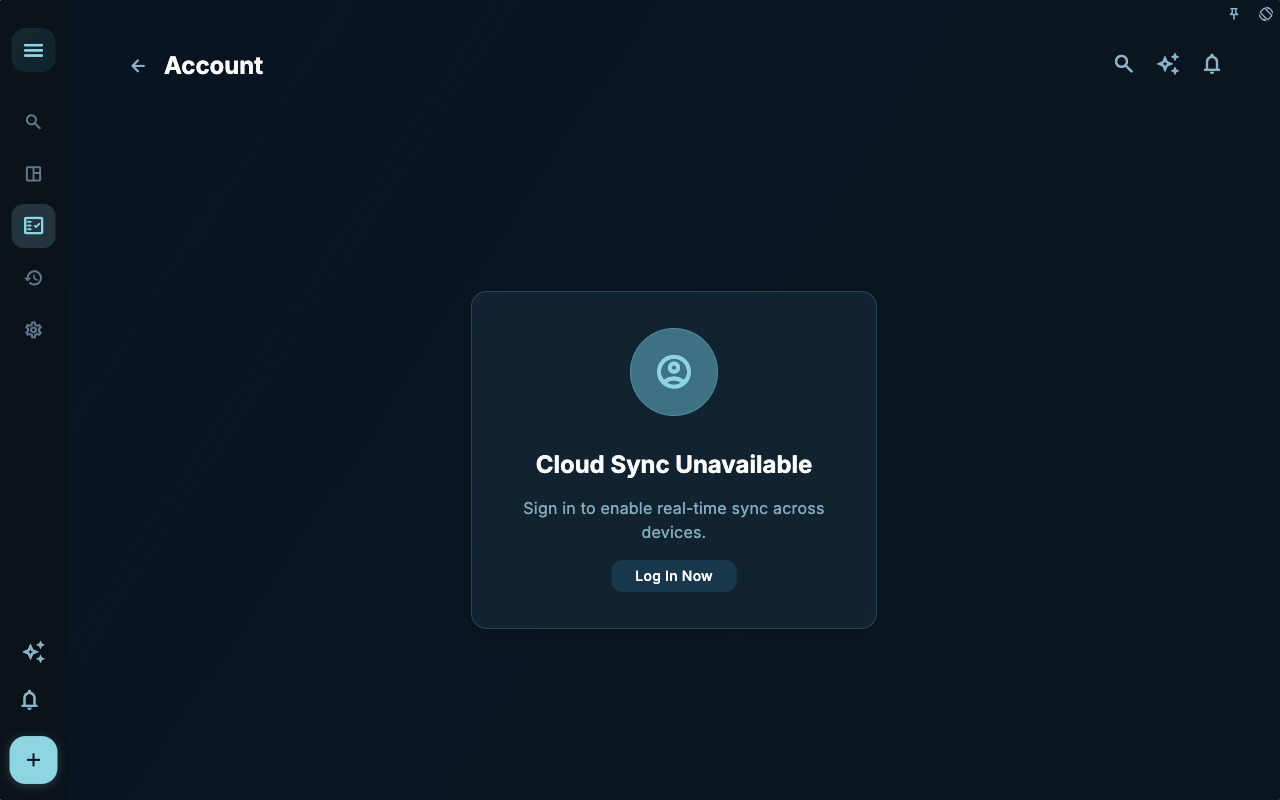
The account page first confirms which identity you are currently using. Sync, restore, and membership status are all evaluated based on this identity.
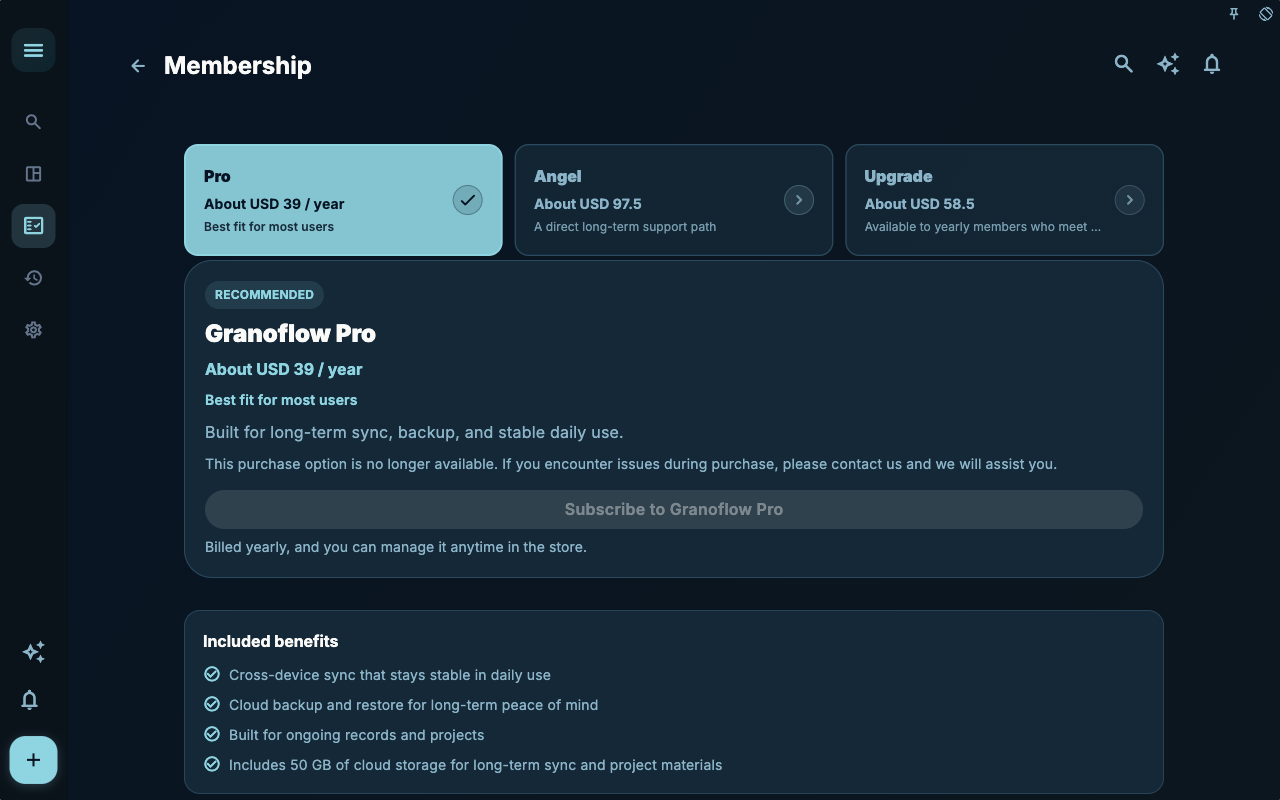
The subscription page handles purchases and entitlement entry points. It can tell you whether the current account is viewing membership‑related capabilities, but it cannot replace a data sync check.
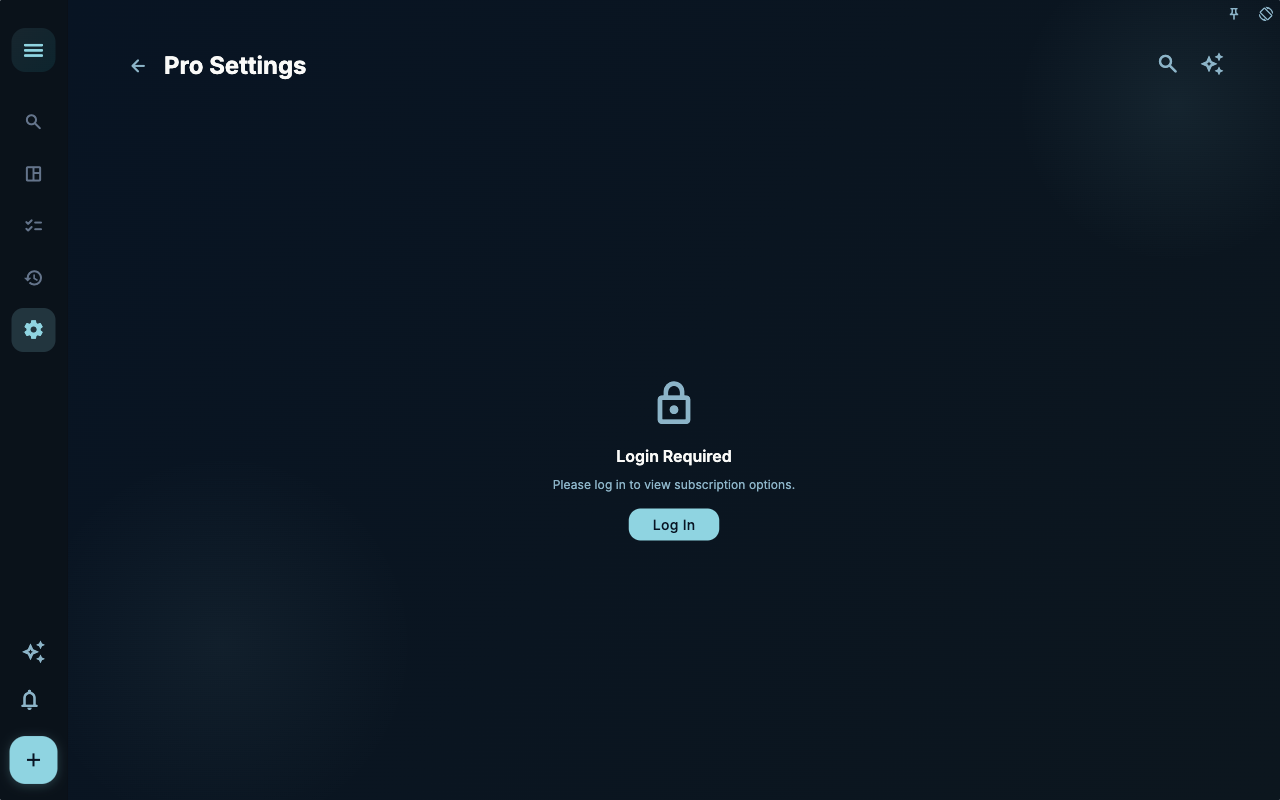
Membership settings are useful for confirming whether entitlements apply to the current account. If account and entitlements don’t match, correct the identity first, then handle restore purchase.
How to Decide Next Steps
Section titled “How to Decide Next Steps”| What you’re experiencing | What to check first | Next step | | --- | --- | --- | | Don’t know where to start | Current page title and main entry points | Choose only one item related to your current goal | | Result is wrong after an action | Status, empty prompt, access logs, or sync progress | Go back one level, troubleshoot in order | | Worried about affecting data | Backup, sync, account, or permissions documentation | Stop first, confirm scope, then continue |
Boundaries
Section titled “Boundaries”When troubleshooting, first ask: am I missing identity, entitlements, or data?
Next Steps
Section titled “Next Steps”After reading this section, return to the task you were working on and perform only one minimal action: record an input, check a status, or open the relevant settings to complete a confirmation.