Progress
The Progress page isn’t for grading yourself. It’s more like a mirror: showing which things actually moved forward recently and which ones are still stuck in plans.
A Real‑World Scenario
Section titled “A Real‑World Scenario”If you see many tasks completed but the project is still stalled, it may mean you’ve been doing a lot of small pieces without connecting them back to a long‑term goal.
Reading the Numbers for Your Next Step
Section titled “Reading the Numbers for Your Next Step”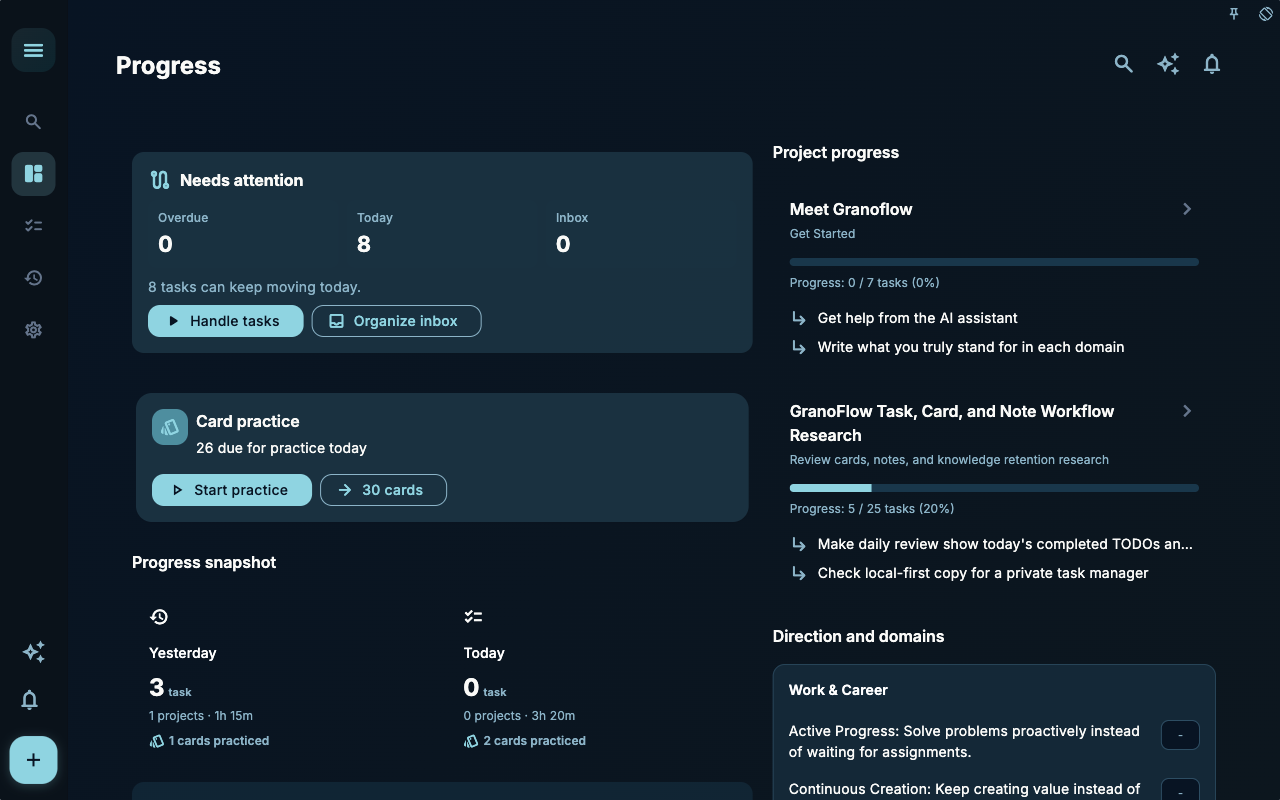
The statistics page gives you an overall picture: how many items completed, how many practiced, and which trends are changing. It’s meant to help you spot deviations, not to judge yourself.
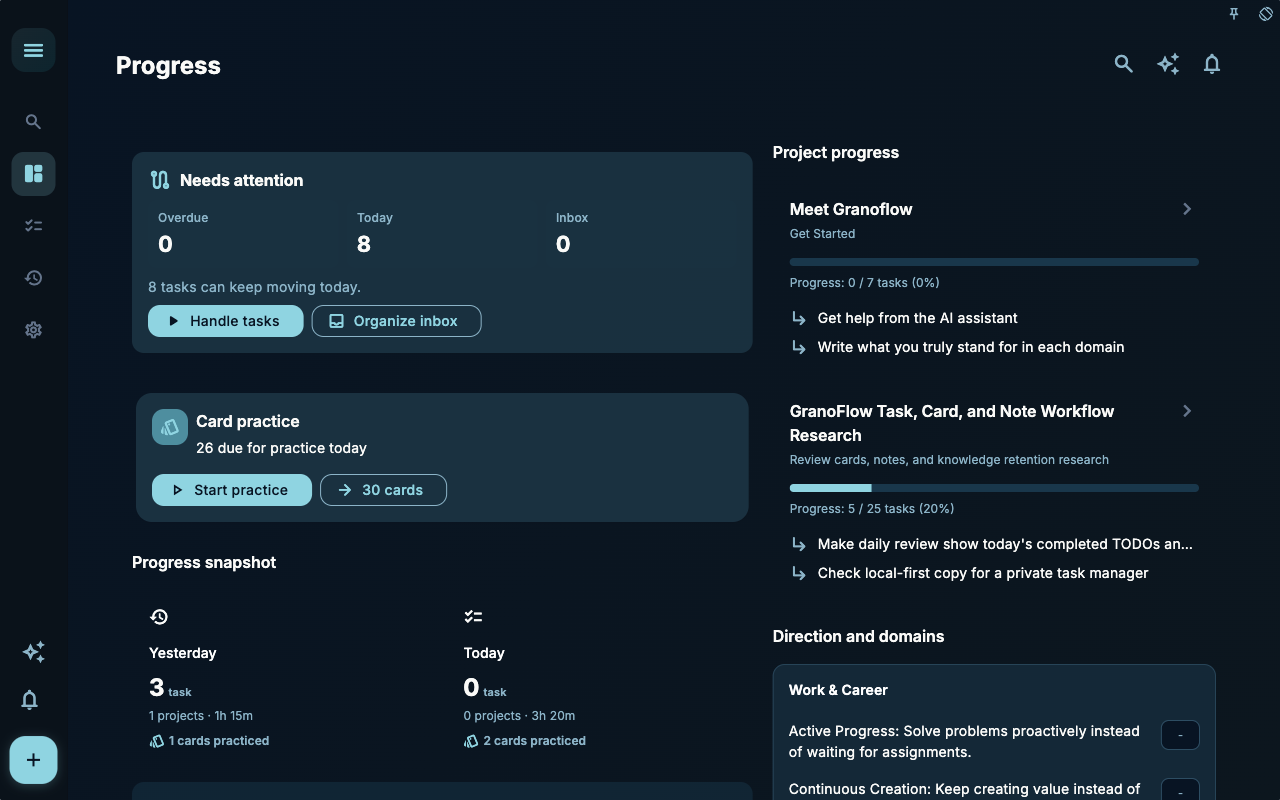
The statistics entry page brings different types of progress together. From here you can choose to view information related to tasks, cards, or reviews without having to interpret every number at once.
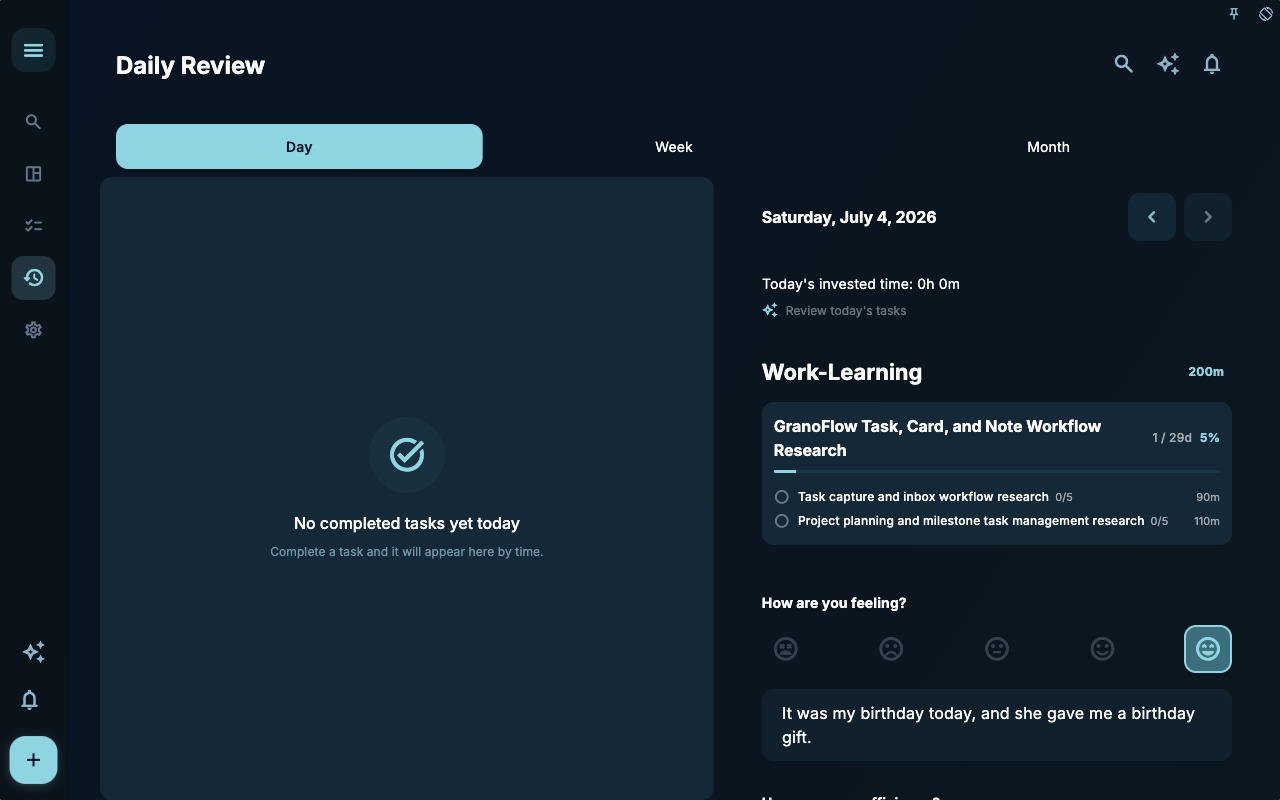
The achievements page is better for a sense of milestone completion. What’s truly useful isn’t “how many achievements” you have, but whether they remind you which actions are becoming consistent and which ones still need adjustment back in your tasks.
How to Decide Your Next Step
Section titled “How to Decide Your Next Step”| Your Situation | What to Check First | Next Step | | --- | --- | --- | | Not sure where to start | Current page title and main entry points | Pick only one item related to your current goal | | Result is wrong after an action | Status, empty hints, access history, or sync progress | Go back one level and check in order | | Worried about affecting data | Backup, sync, account, or permissions documentation | Stop, confirm the scope, then continue |
Boundaries
Section titled “Boundaries”When looking at progress, first find one signal that will influence your next step. As long as it helps you adjust today’s tasks, that’s enough.
Next Steps
Section titled “Next Steps”After reading this section, go back to the task you’re working on and choose just one smallest action to continue: log an input, check a status, or open the relevant settings to complete a confirmation.