From Domain to Task
Domains help you see the broader picture behind your tasks. Projects help you manage your efforts over a period of time. Tasks capture the very next step you can take today.
A Real‑World Example
Section titled “A Real‑World Example”“Learning” is a domain, “Complete the statistics course project” is a project, and “Organize the data‑cleaning steps” is a task. Once the levels are clear, you won’t be tempted to cram everything into a single list.
First, Understand the Top‑Level Container: Domain
Section titled “First, Understand the Top‑Level Container: Domain”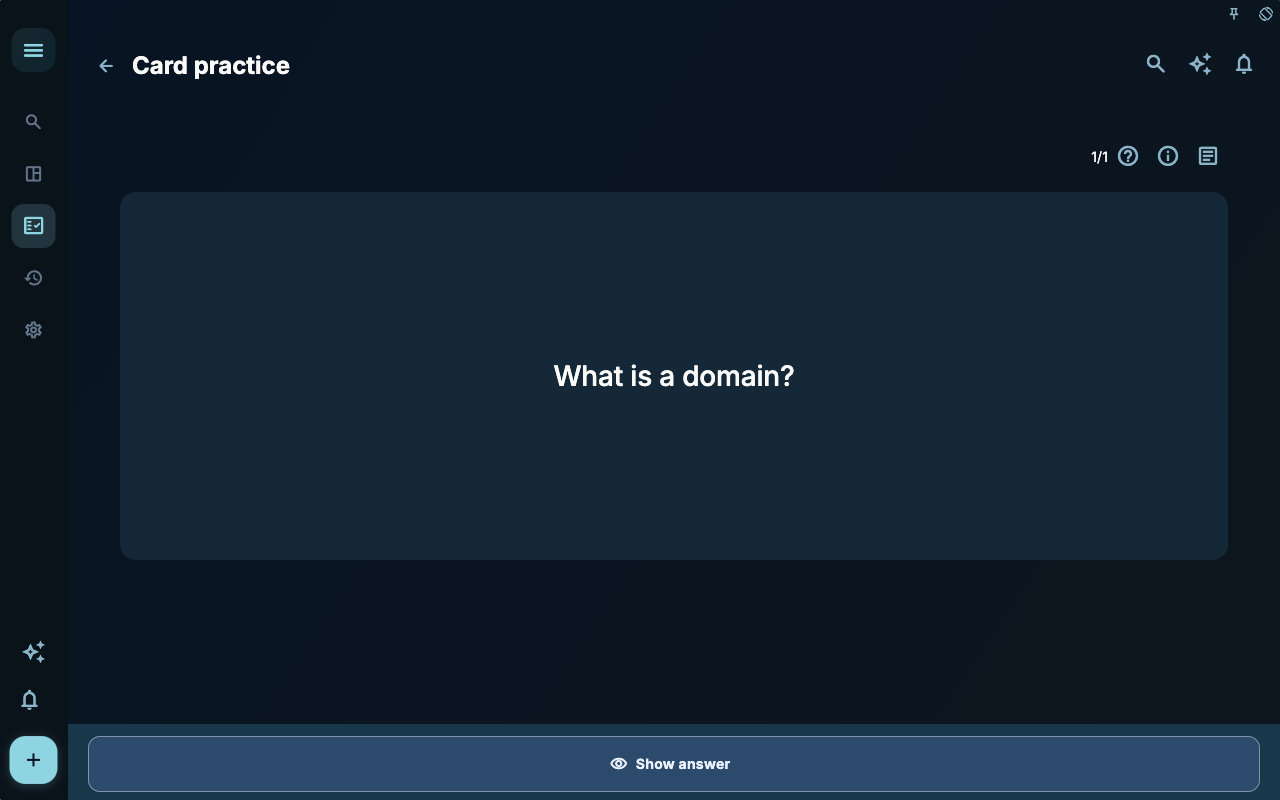
This card uses the question “What is a domain?” to prompt you to think about the top‑level container. It’s not about memorizing a definition — it’s about asking, before you write a task: Does this belong to work, learning, relationships, health, or leisure? That judgment affects whether you need to create a project and how to arrange tasks later.
How to Decide Your Next Step
Section titled “How to Decide Your Next Step”| What you’re facing | Look at this first | Next step | | --- | --- | --- | | Don’t know where to start | The current page title and main entry points | Pick only the item that relates to your current goal | | Getting unexpected results after an action | Status, empty states, access logs, or sync progress | Go back one level and check things in order | | Worried about affecting your data | Backups, sync, account, or permissions info | Stop first, confirm the scope, then proceed |
Boundaries
Section titled “Boundaries”First ask which domain this belongs to, then ask whether it needs a project to carry it, and only then write today’s task.
Next Steps
Section titled “Next Steps”After reading this section, go back to the task you’re working on and choose just one smallest action to continue: record an input, check a status, or open the relevant settings to complete a confirmation.