Review and Reflection
Reflection isn’t a summary for others to read—it’s a note to your future self: why this went smoothly, where you got stuck, and what you should do first next time.
A Real‑World Scenario
Section titled “A Real‑World Scenario”After finishing a project presentation, you could jot down “list audience questions first, then build slides.” The next time you prepare a presentation, you won’t start from scratch.
Different Reflections Call for Different Prompts
Section titled “Different Reflections Call for Different Prompts”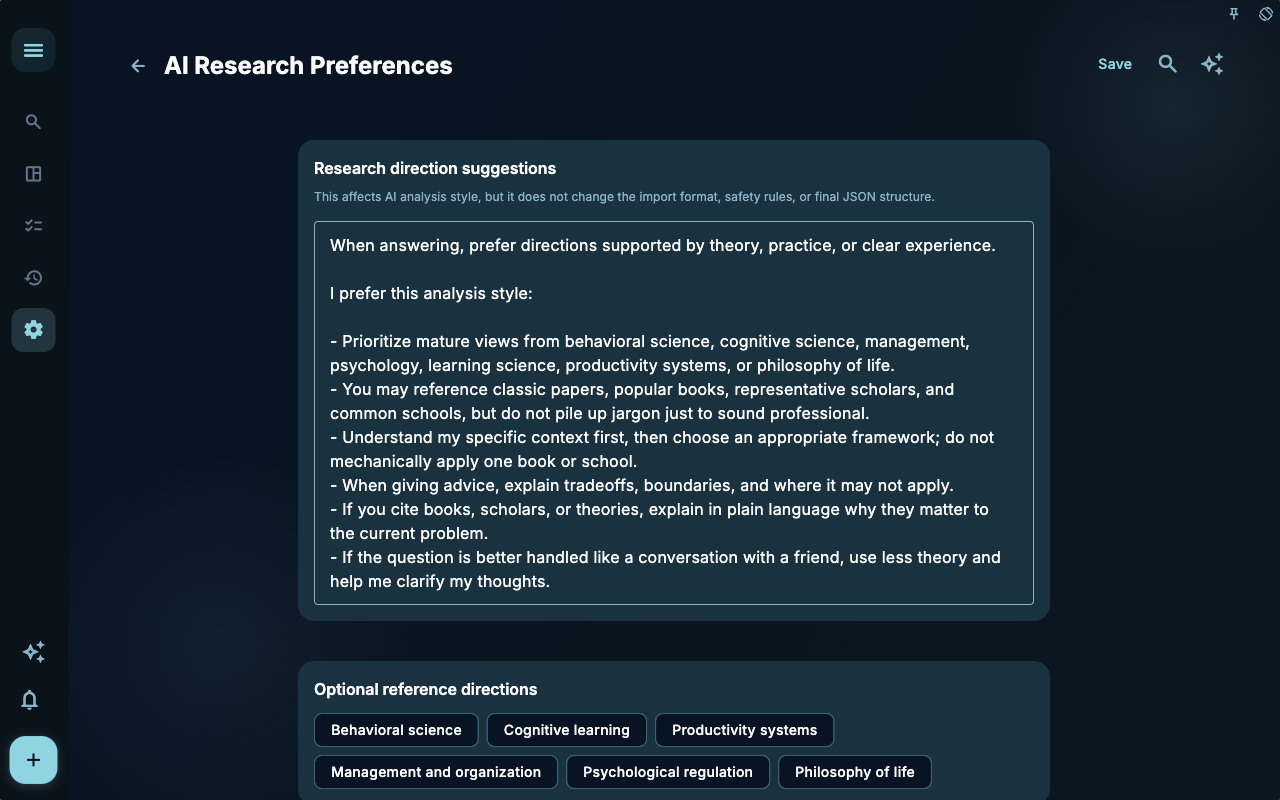
Task‑review prompts are best for “what I learned after finishing this task.” They should help you extract reusable judgments for the next time, not turn a completion record into a flat log.
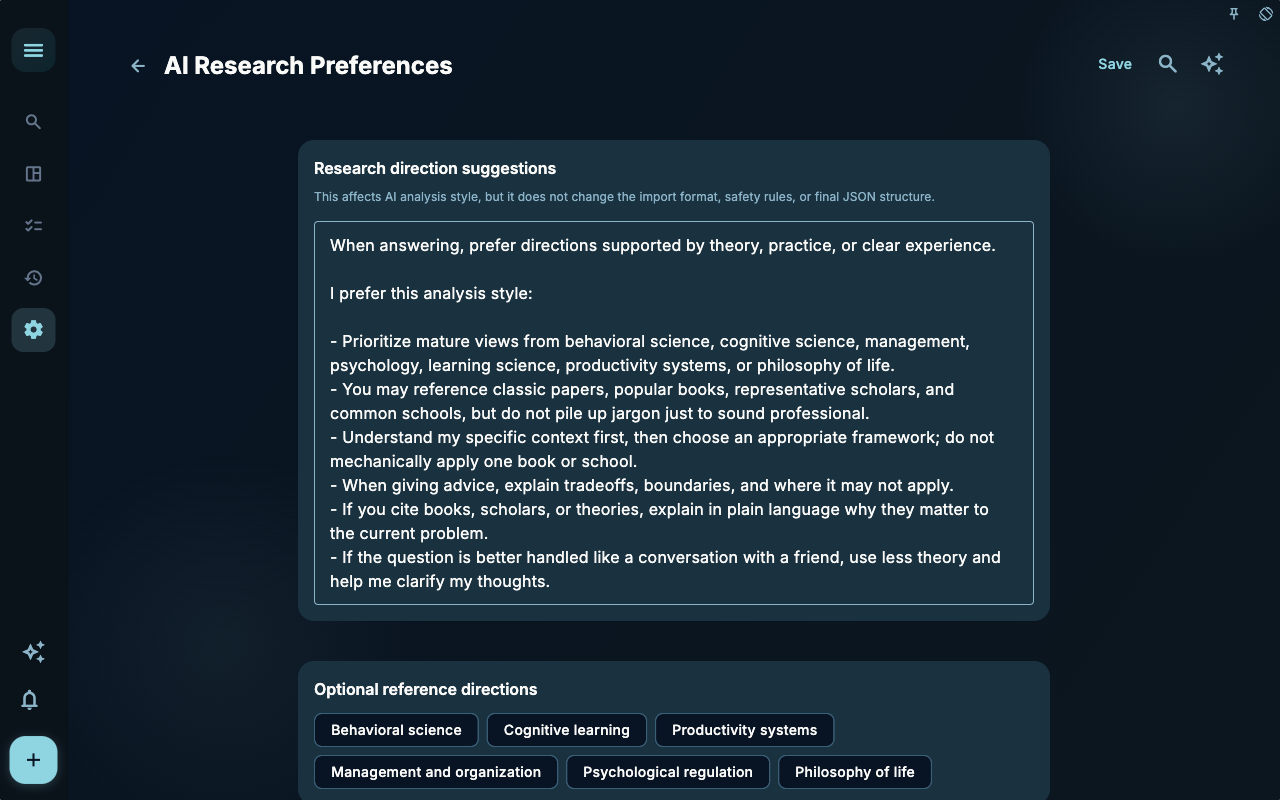
Light‑journal prompts are better for jotting down your current state and fragmented notes. They don’t need to chase conclusions like a task review, but they should let you know what happened when you look back later.
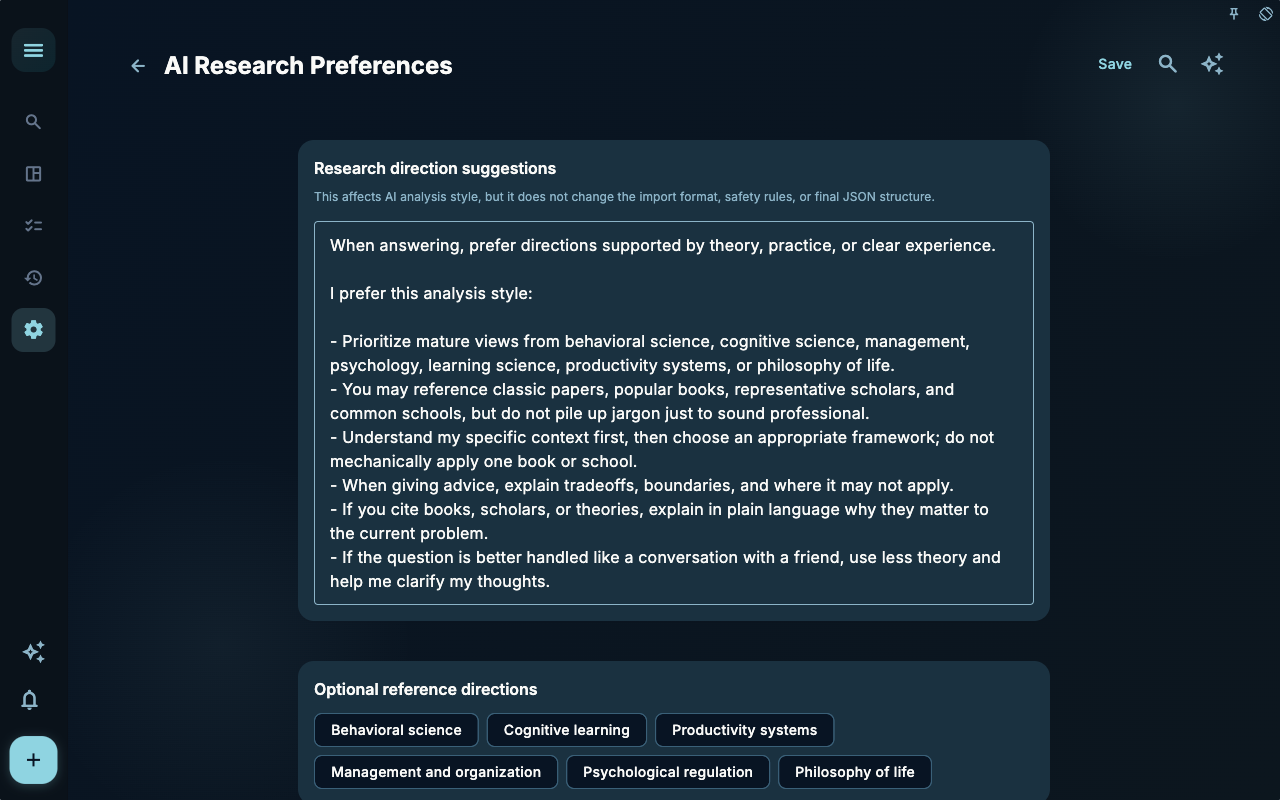
Weekly‑review prompts help you zoom out. They’re useful for seeing which actions repeated during the week, which goals didn’t move forward, and what you should adjust next week.
How to Decide Your Next Step
Section titled “How to Decide Your Next Step”| Your Situation | What to Check First | Next Step | | --- | --- | --- | | Not sure where to start | The current page’s title and main entry points | Pick only one item related to your current goal | | The result is wrong after an action | Status, empty hints, access history, or sync progress | Go back one level and check in order | | Worried about affecting data | Backup, sync, account, or permissions documentation | Stop, confirm the scope, then continue |
Boundaries
Section titled “Boundaries”The value of reflection shows up in your next action—not in how beautifully the text is written.
Next Steps
Section titled “Next Steps”After finishing this section, return to the task you’re working on and pick one minimal action to continue: log an input, check a status, or open the relevant settings to confirm something.