Data Security and Sync
The more you use your action system, the more your data is worth protecting. Tasks, projects, reviews, and cards all carry your working threads.
A Real‑World Scenario
Section titled “A Real‑World Scenario”Before changing computers, first check data management, sync progress, and adding a new device—don’t treat a migration as a normal login.
Check These Three Things Before Changing Devices
Section titled “Check These Three Things Before Changing Devices”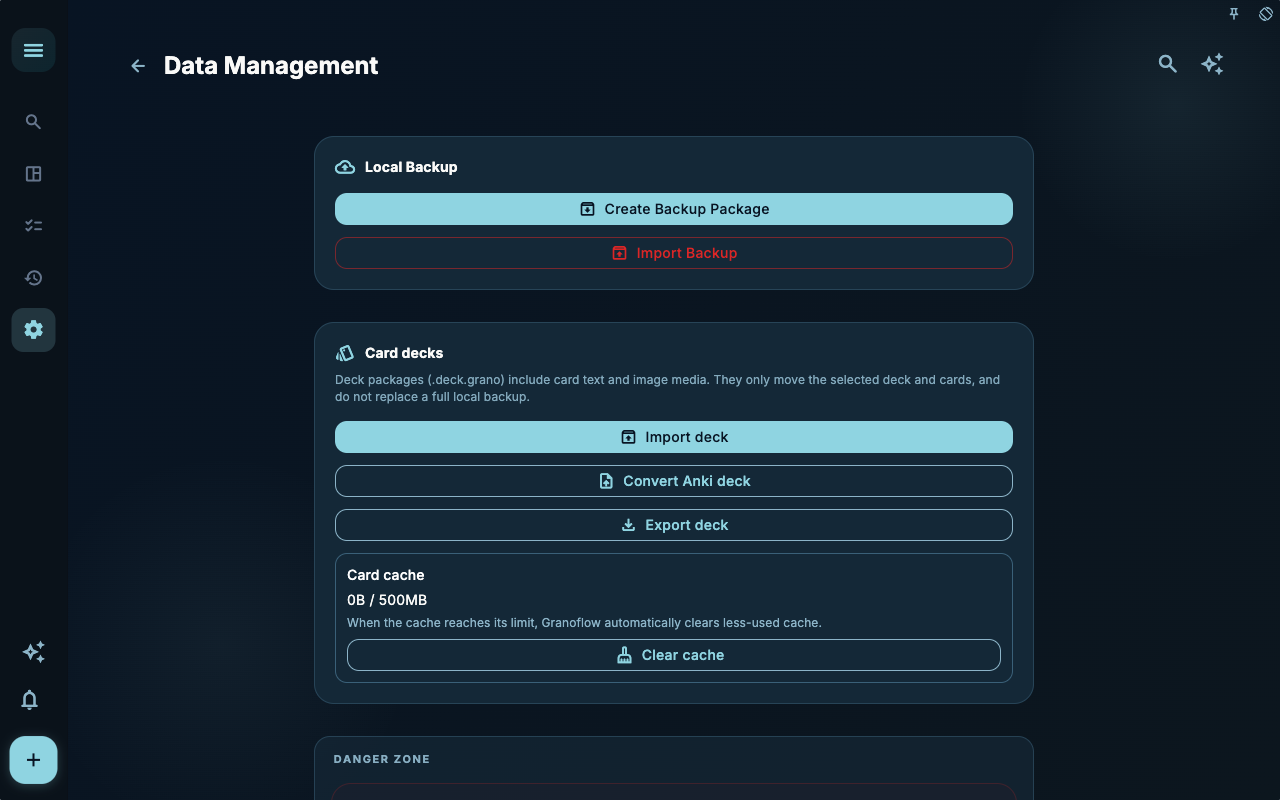
Data management is meant to be opened before a migration, backup, or cleanup. It answers the question: “Can I take or restore this data?”
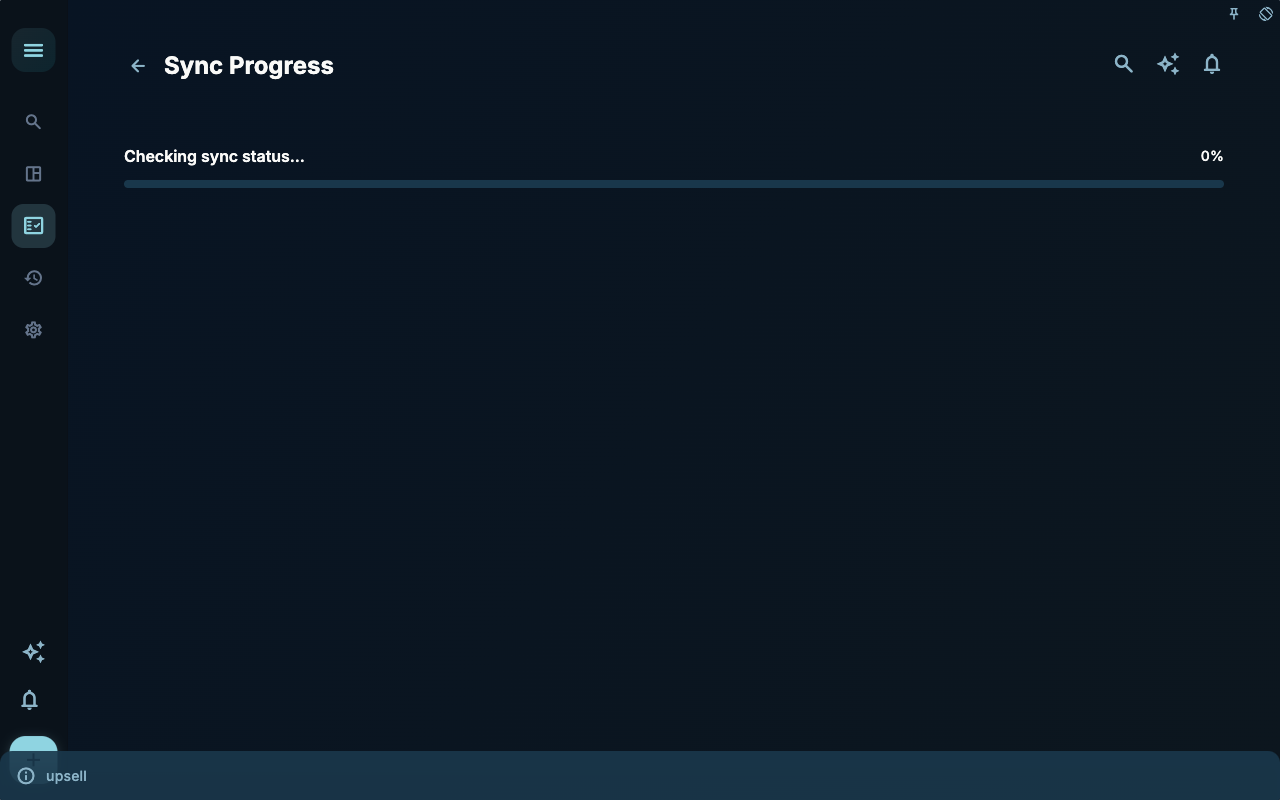
Sync progress tells you whether your data is still being transferred. Before switching devices, if this isn’t finished yet, wait until it completes.
Adding a new device to sync is the final step. Only after confirming the old device and account status should you let a new device join the same data link.
How to Decide What to Do Next
Section titled “How to Decide What to Do Next”| Situation You Encounter | What to Check First | Next Step | | --- | --- | --- | | Don’t know where to start | Current page title and main entry | Pick only the item related to your current goal | | Result isn’t what you expected after an action | Status, empty hints, access records, or sync progress | Go back one level and troubleshoot in order | | Worried about affecting data | Backup, sync, account, or permission details | Stop first, confirm scope, then continue |
Boundaries
Section titled “Boundaries”Protect your data before you optimize for convenience. This order matters especially when switching devices.
Next Steps
Section titled “Next Steps”After reading this section, return to the task you’re working on and choose only one small action to continue: log a single input, check a status, or open the relevant settings to confirm something.