Practice, Mastery, and Internalization
Card practice isn’t about proving you have a good memory. Its purpose is simpler: before you actually do something, let those lessons you’ve already summarized surface again.
If you treat cards like a daily check-in you have to complete, they’ll turn into a chore. A better approach: do a short round every day, and pick up the reminders you’re most likely to forget or that could help you today.
Try to recall first, then check the answer
Section titled “Try to recall first, then check the answer”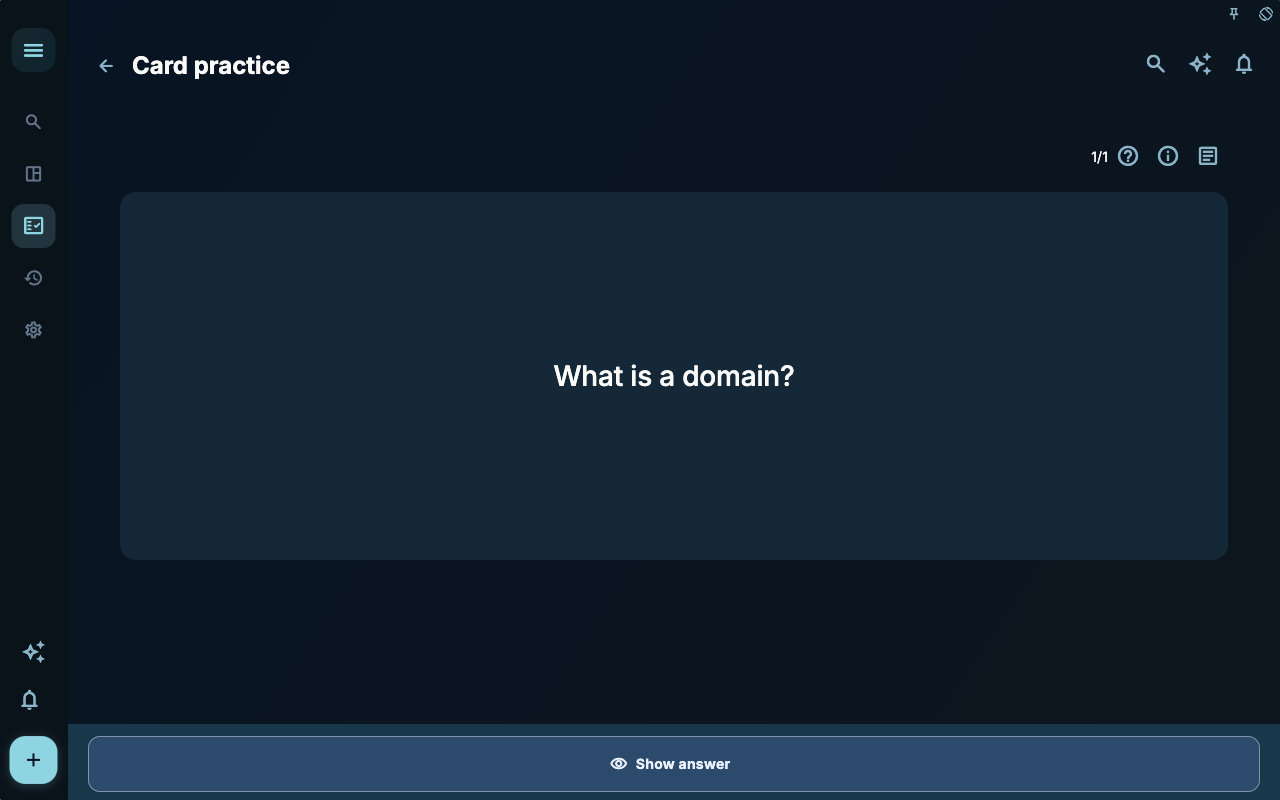
The question side only shows the prompt to give you a brief pause. When you see “What is a domain?”, don’t rush to tap the answer. Say it in your own words first: a domain is like a garden in your life, and tasks should be seen as part of a bigger life picture.
That pause matters. Just reading the answer gives you the feeling of “I get it”, but you might not remember it next time you work on a task. Recall first, then correct — it sticks much better.
Choose feedback based on how you actually felt
Section titled “Choose feedback based on how you actually felt”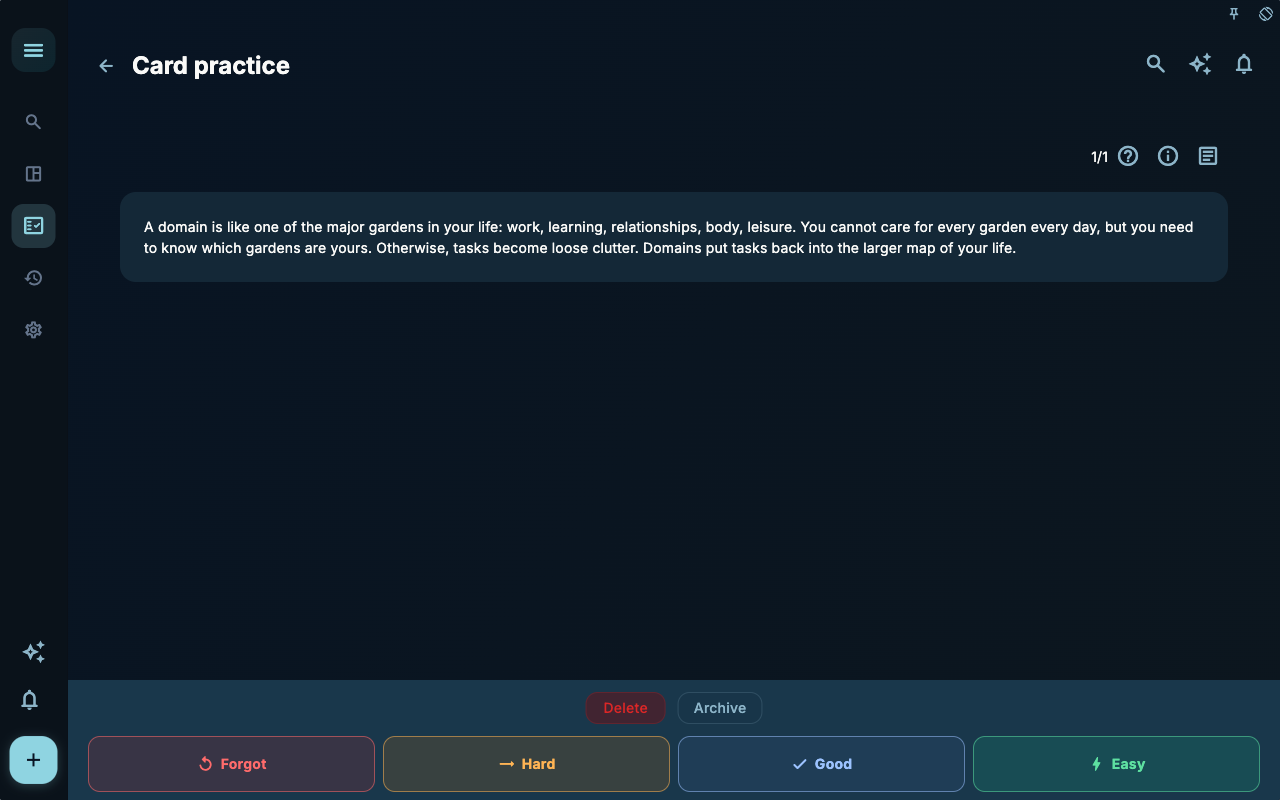
After the answer is shown, four feedback buttons appear at the bottom. They aren’t emotional ratings; they’re signals that schedule the next practice round.
| Button | When to tap | What it means | | --- | --- | --- | | Forgotten | Couldn’t recall at all, or the answer was off track | This card needs to come back sooner | | Tricky | Recalled a bit, but needed the answer’s help | Not stable yet — keep practicing | | Remembered | Mostly got it right, but delivery wasn’t smooth | Continue at a normal pace | | Easy | Recalled it effortlessly and know how to use it | Can wait longer before reappearing |
Don’t tap “Easy” just to make your stats look good. If a card still doesn’t help you in real tasks, honestly pick “Tricky” or “Remembered”. GranoFlow isn’t testing you — it’s simply helping you schedule your next reminder.
What’s the difference between mastery and internalization
Section titled “What’s the difference between mastery and internalization”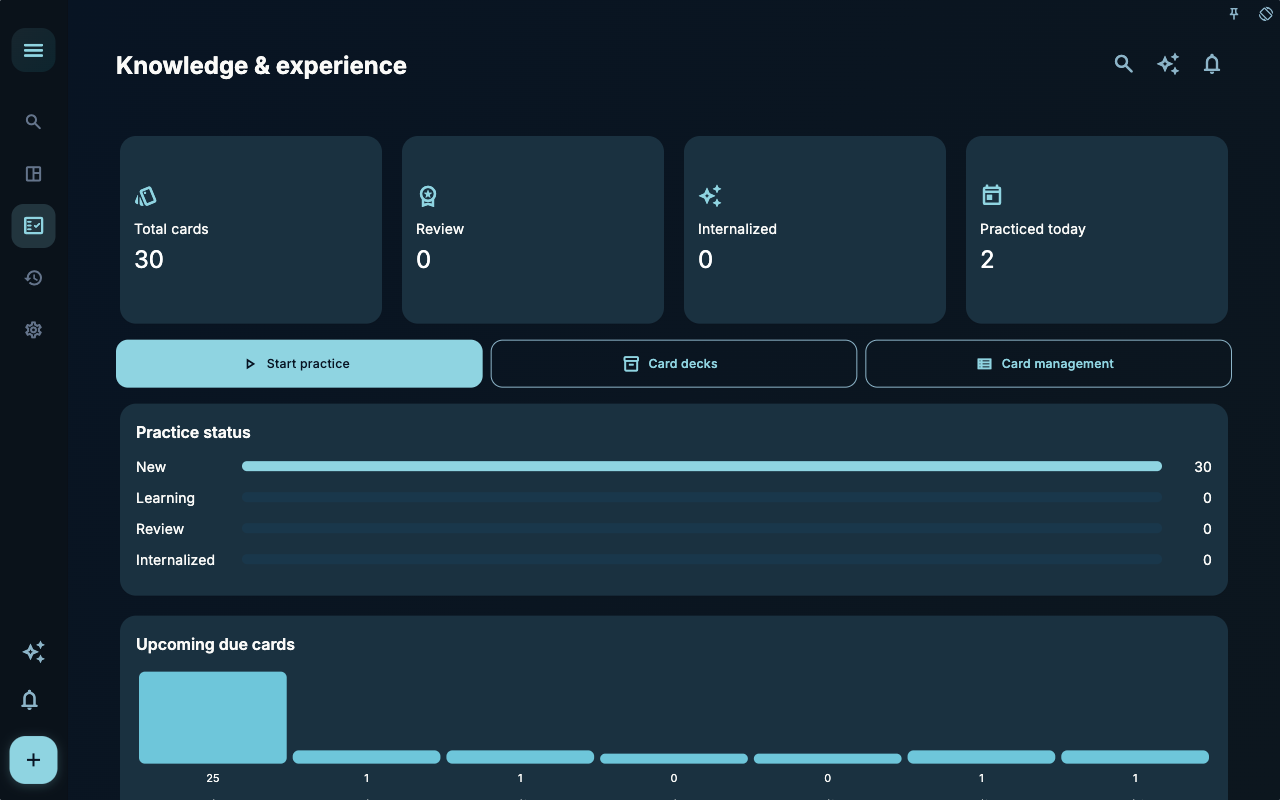
“Mastered” and “internalized” on the statistics page aren’t badges. Think of them this way:
| Status | What it’s like | How you can use it | | --- | --- | --- | | Not studied | A reminder you just put in your drawer | Pick the ones relevant today to practice | | Learning | A reminder that still needs a few more encounters | Don’t rush to judge success or failure | | Mastered | You can consistently answer the question when you see it | Keep observing whether you use it in real tasks | | Internalized | You often think of it naturally without looking at the card | You can shift your energy to newer experience |
A card’s real value isn’t in becoming “internalized”; it’s in how it changes the way you handle your next task. For example, if you naturally start a task by asking, “Which domain does this belong to? Should I put it in a project?” — that means the card has moved from a reminder back into action.
When to practice
Section titled “When to practice”You don’t need to wait until you’re in the perfect mood. The best time is usually short:
| Scenario | How to practice | | --- | --- | | Before starting work | Practice 3–5 cards to get into the flow | | After completing a review | Practice cards related to the experience you just reviewed | | Stuck on a project step | Search for relevant cards and revisit past judgments | | Before the day ends | Do a short round to wrap up reminders that might be useful today |
If you find yourself repeatedly unable to answer a card during practice, it might not be your memory — the card itself might be too abstract. Go back to the card details and make the question more specific, or add an example to the answer.
Don’t turn practice into a stressor
Section titled “Don’t turn practice into a stressor”Card learning should help you avoid stepping into the same pitfalls repeatedly, not add another item to your to‑do list. Practicing only two cards today is fine — what matters is whether those two cards helped you recall a concrete action.
A practical tip: after practice, pick the most useful card and ask yourself: What’s one thing today where I can use this? If you can answer that, the practice has already landed.
Next steps
Section titled “Next steps”If you find some cards no longer fit your current workflow, go to Create & Link Cards to adjust the question and answer. To organize cards by topic, read Decks, Import & Export.