Rich Text Content
Rich text isn’t about making notes look pretty—it’s about making it easier to find decisions, conclusions, and next steps when you look back later.
A Real-World Scenario
Section titled “A Real-World Scenario”In a task review, you might use a short heading for “what happened,” a list for “what to do next,” and a blockquote to capture one key judgment.
Text in Reviews Should Be Easy to Read Later
Section titled “Text in Reviews Should Be Easy to Read Later”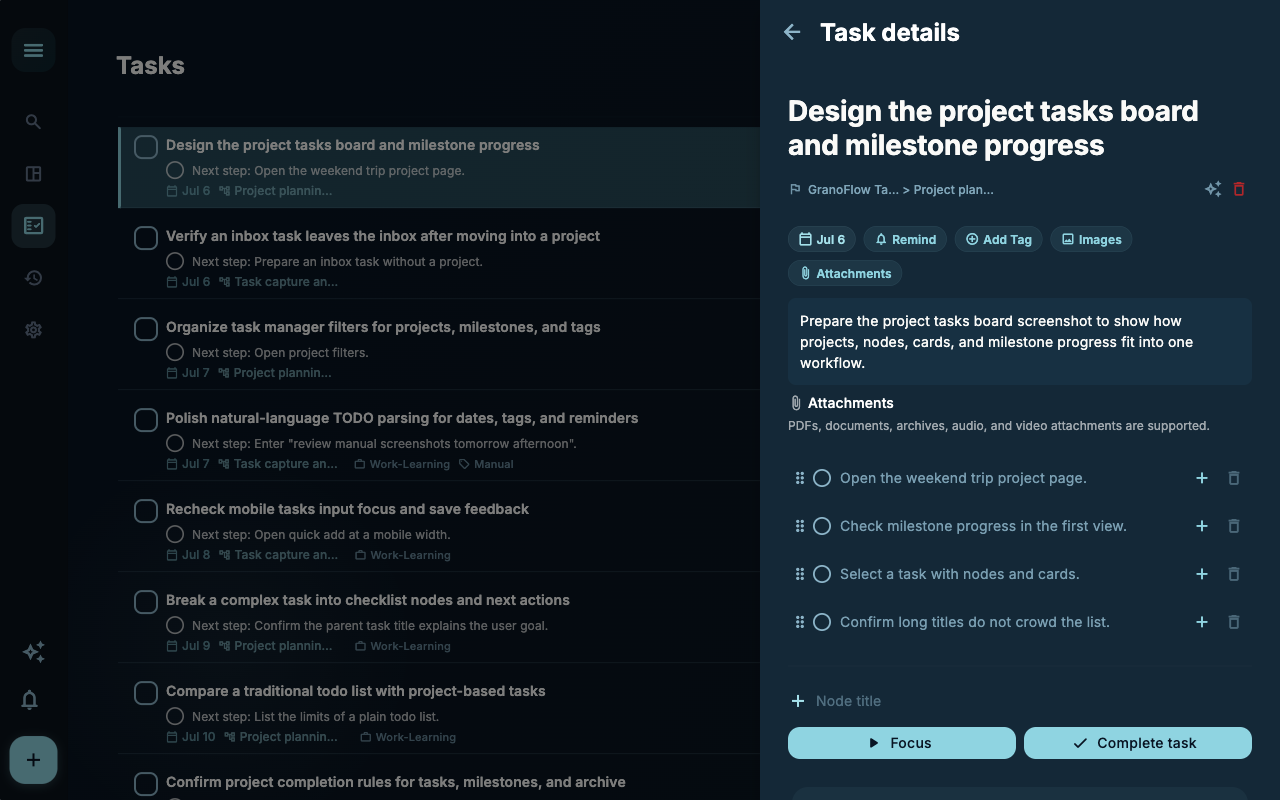
When creating a review, first write down the most important judgment at that moment. There’s no need to write a long essay—titles, a short list, and one or two conclusions often prove more useful later than a full narrative.
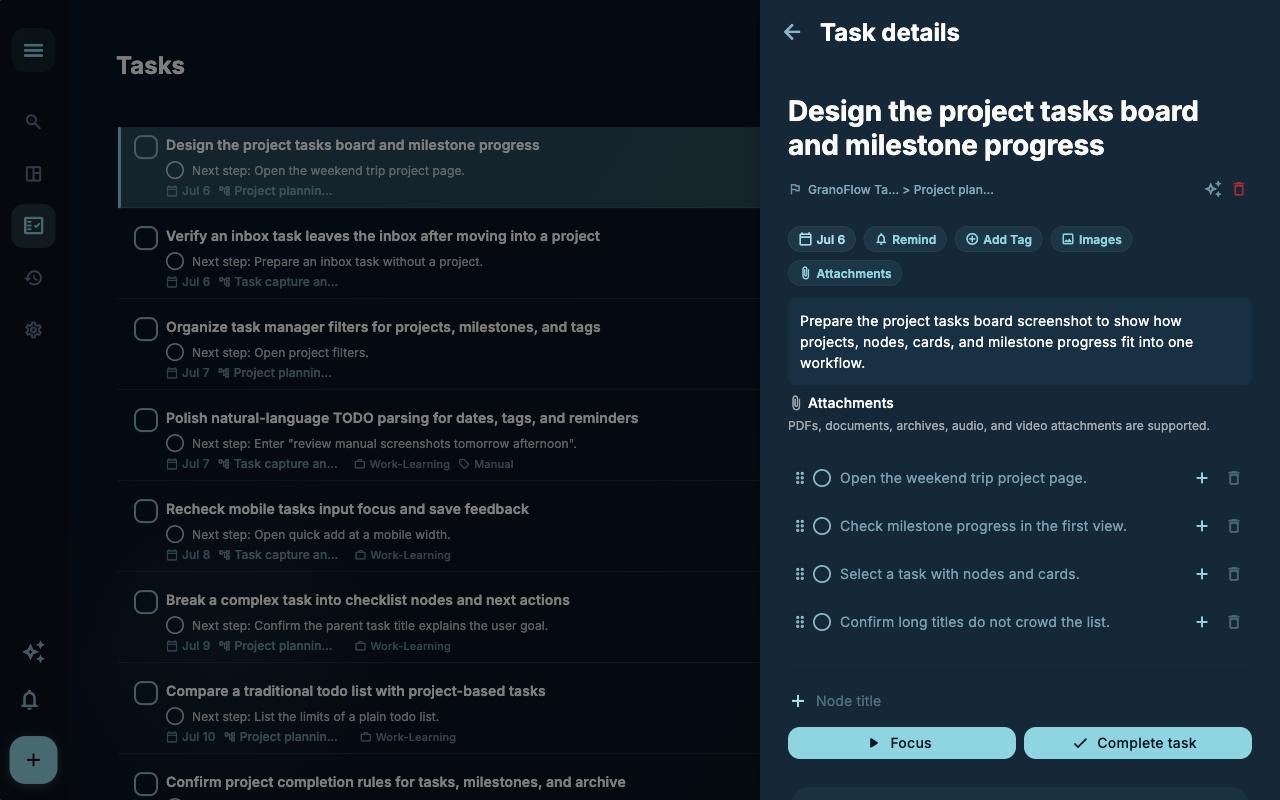
When editing a review, you can add details you thought of later. The goal is to make the record more accurate, not to tweak formatting repeatedly for the sake of aesthetics.
How to Decide Next Steps
Section titled “How to Decide Next Steps”| Your situation | What to look at first | Next step | | --- | --- | --- | | Not sure where to start | Current page title and main entry points | Pick only the item related to your current goal | | Operation result is incorrect | Status, empty prompt, access records, or sync progress | Go back to the previous level and check in order | | Worried about affecting data | Backup, sync, account, or permissions documentation | Stop, confirm the scope, then proceed |
Boundaries
Section titled “Boundaries”Don’t aim for a complete article when writing notes. As long as future you can understand the decisions made at that time, this rich text has value.
Next Steps
Section titled “Next Steps”After reading this section, go back to the task you’re working on and pick just one minimal action to continue: record an input, check a status, or open a related setting to confirm something.