Subscription Overview
The subscription page is about entitlement—not the account itself. The account answers who you are; the subscription answers which membership capabilities this account can currently use.
A Real‑World Scenario
Section titled “A Real‑World Scenario”If entitlement doesn’t appear after purchase, first confirm the logged‑in account and the purchase platform, then use Restore Purchase or check membership settings.
Subscription Must Be Viewed with Your Account
Section titled “Subscription Must Be Viewed with Your Account”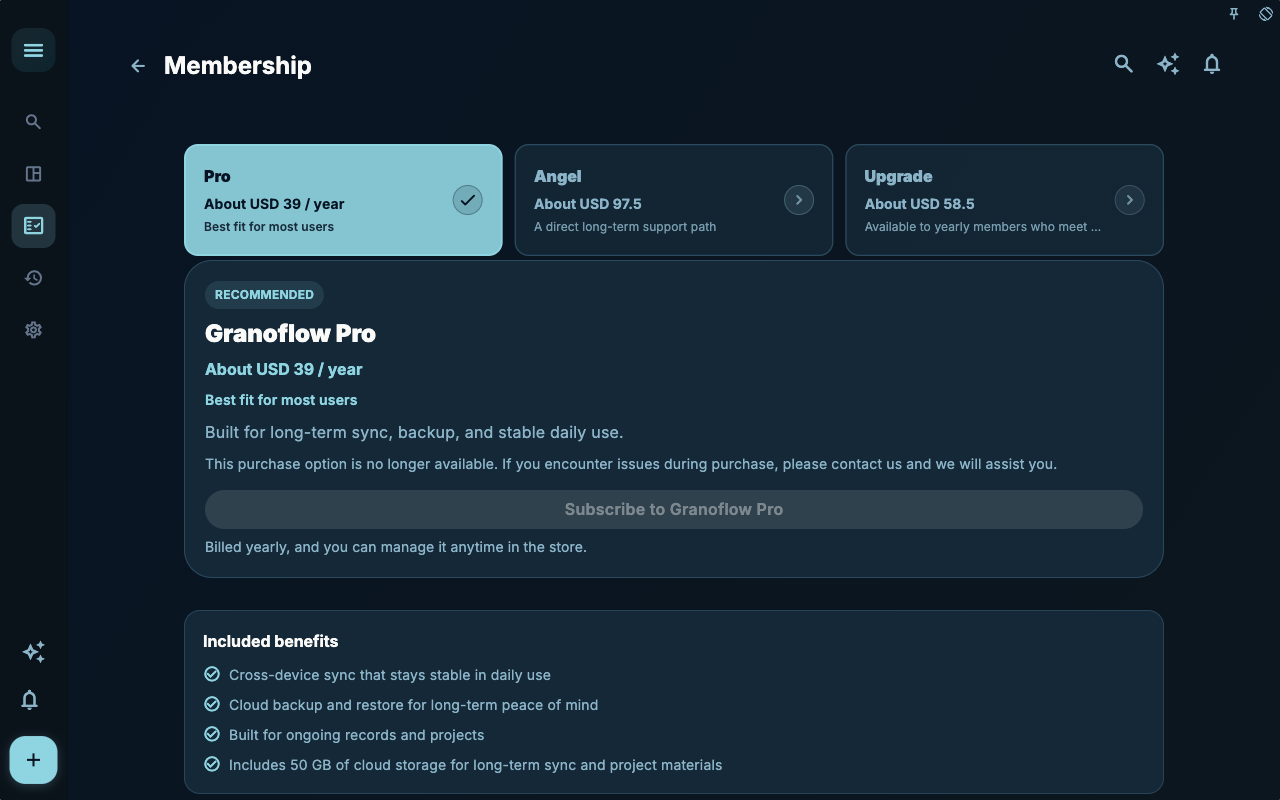
The subscription page shows the membership entry points you can currently buy or view. It answers entitlement questions—not whether tasks and data have been synced.
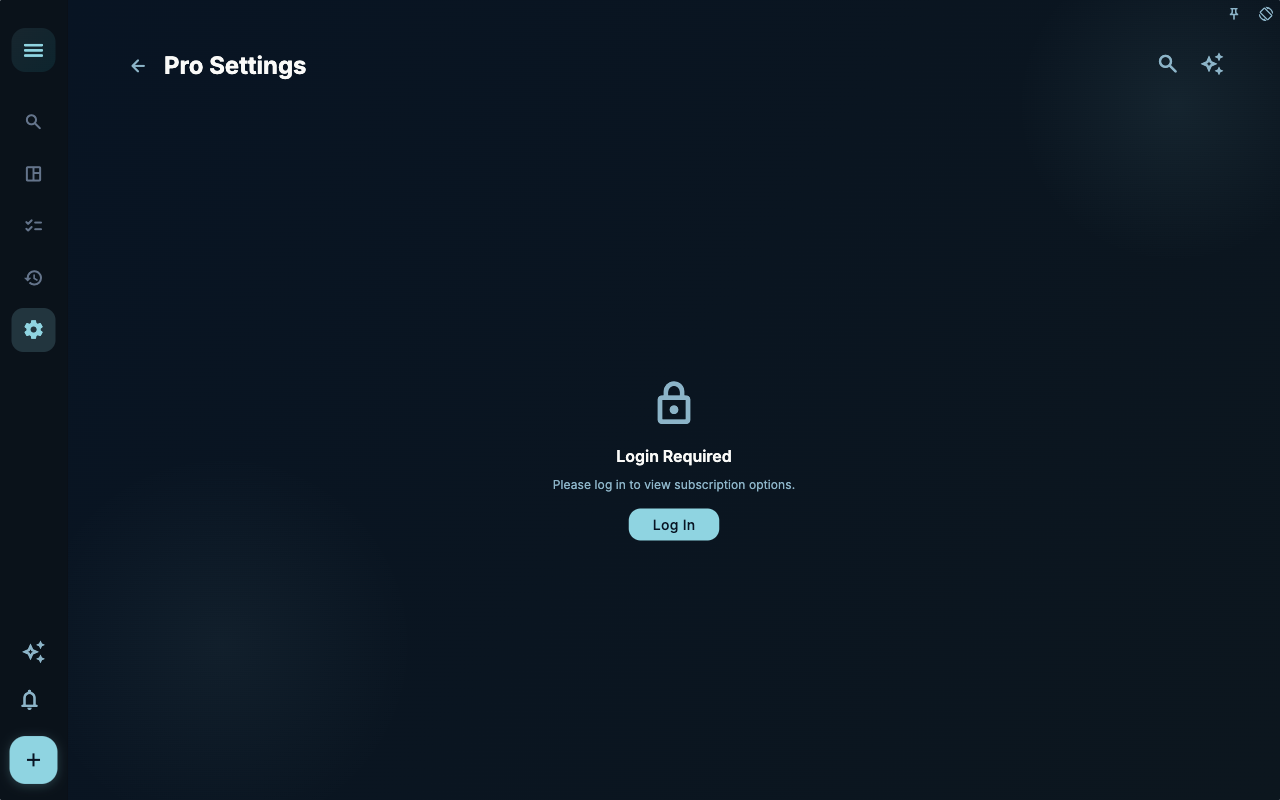
The membership settings page feels more like an entitlement status page. If you have already purchased but the status does not appear here, the next step is to check the currently logged‑in account and the purchase platform.
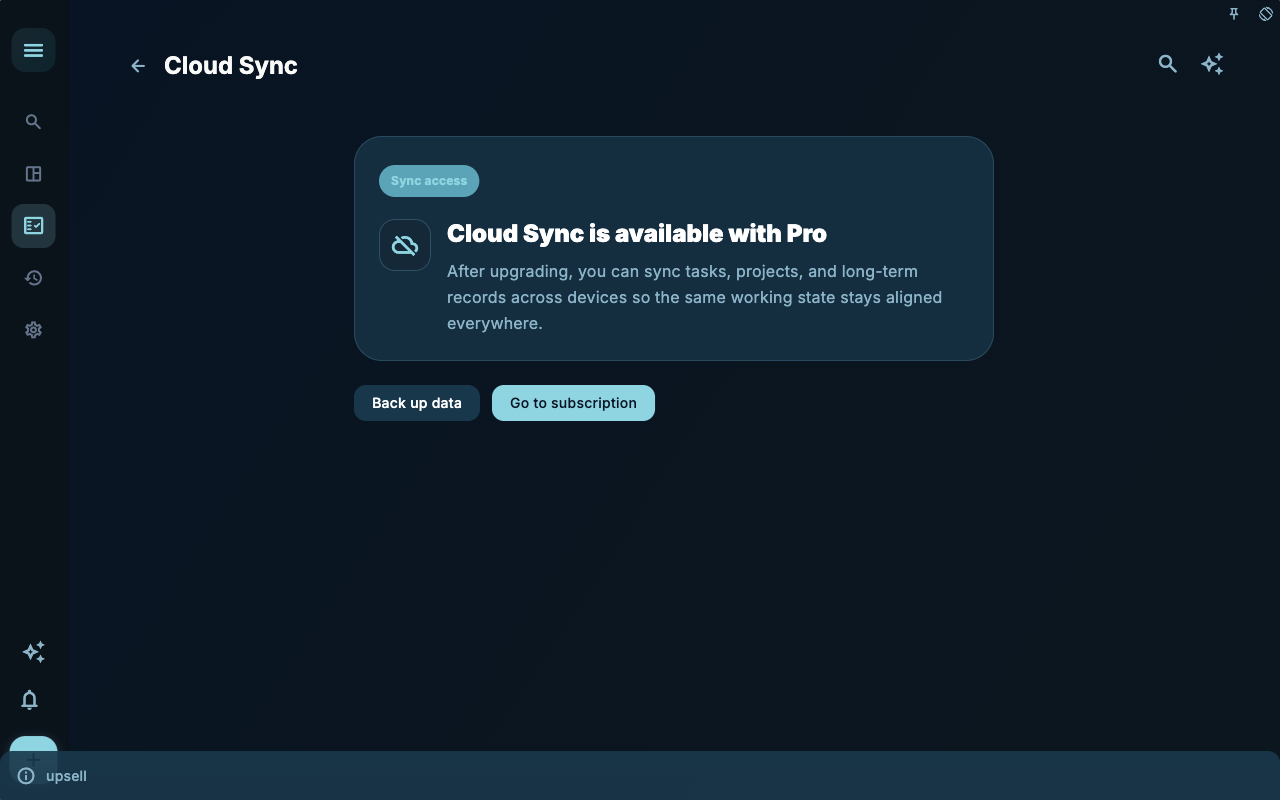
The sync entitlement prompt indicates that certain capabilities require membership. When you see the prompt, first decide whether you need to activate entitlement or you have already purchased and need to restore.
How to Decide the Next Step
Section titled “How to Decide the Next Step”| Your situation | Check first | Next step | | --- | --- | --- | | Don’t know where to start | Page title and main entry points | Choose only one item related to your current goal | | Result is not what you expected after an action | Status, empty state, access history, or sync progress | Go back one level and troubleshoot step by step | | Worried about affecting data | Backup, sync, account, or permissions documentation | Stop first, confirm the scope, then continue |
Boundaries
Section titled “Boundaries”Subscription issues are usually checked along this line: account → purchase platform → restore purchase → entitlement display.
Next Step
Section titled “Next Step”After reading this section, return to the task you are working on and pick only one minimal action to continue: record an input, check a status, or open the relevant settings to complete one confirmation.