Interface Overview
The interface is not a row of feature buttons—it’s a work map. You don’t need to memorize every entry name first. Just know whether you are collecting, searching, adjusting, or reviewing progress.
A Real‑World Scenario
Section titled “A Real‑World Scenario”Think of the sidebar as a set of drawers next to your desk: temporary ideas go into the inbox, look up old records with search, change rules in settings, check alerts in notifications, and see how things are going recently in progress.
First, Distinguish the Three Types of Entries
Section titled “First, Distinguish the Three Types of Entries”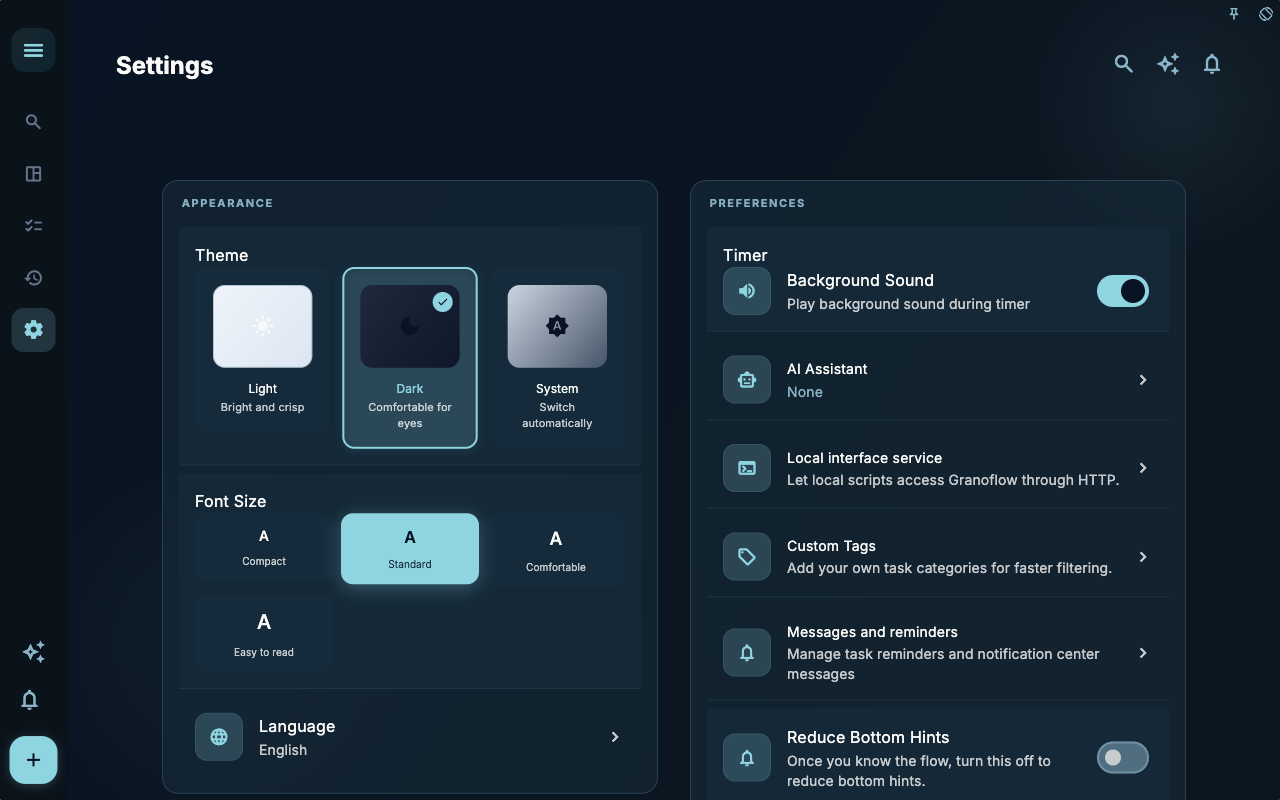
The Settings page is where you handle rules, accounts, data, AI, and local interfaces. It’s not a place you open every day; when you notice that something “isn’t working the way you want it to,” come here to find the corresponding toggle or entry.
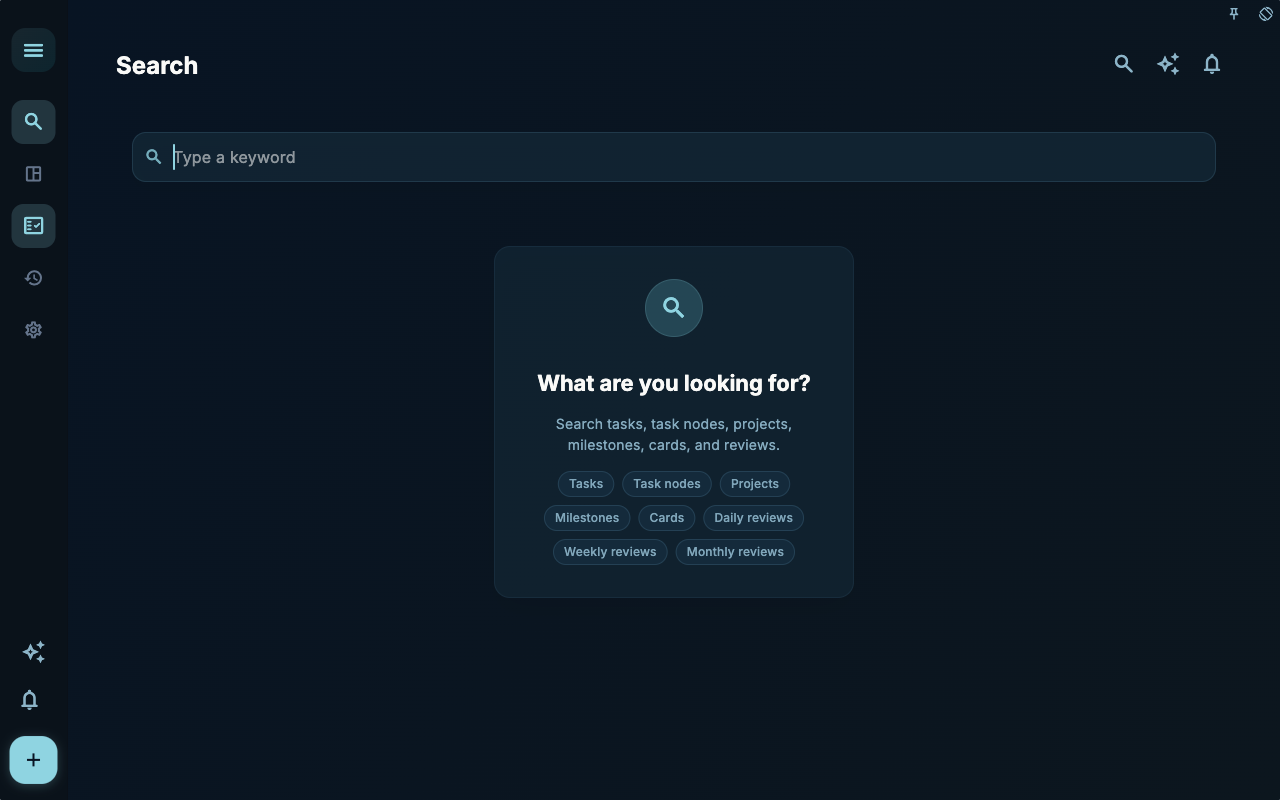
The Search page is for finding content that already exists. It solves the problem of “I remember writing it, but I don’t know where,” rather than organizing new input for you.
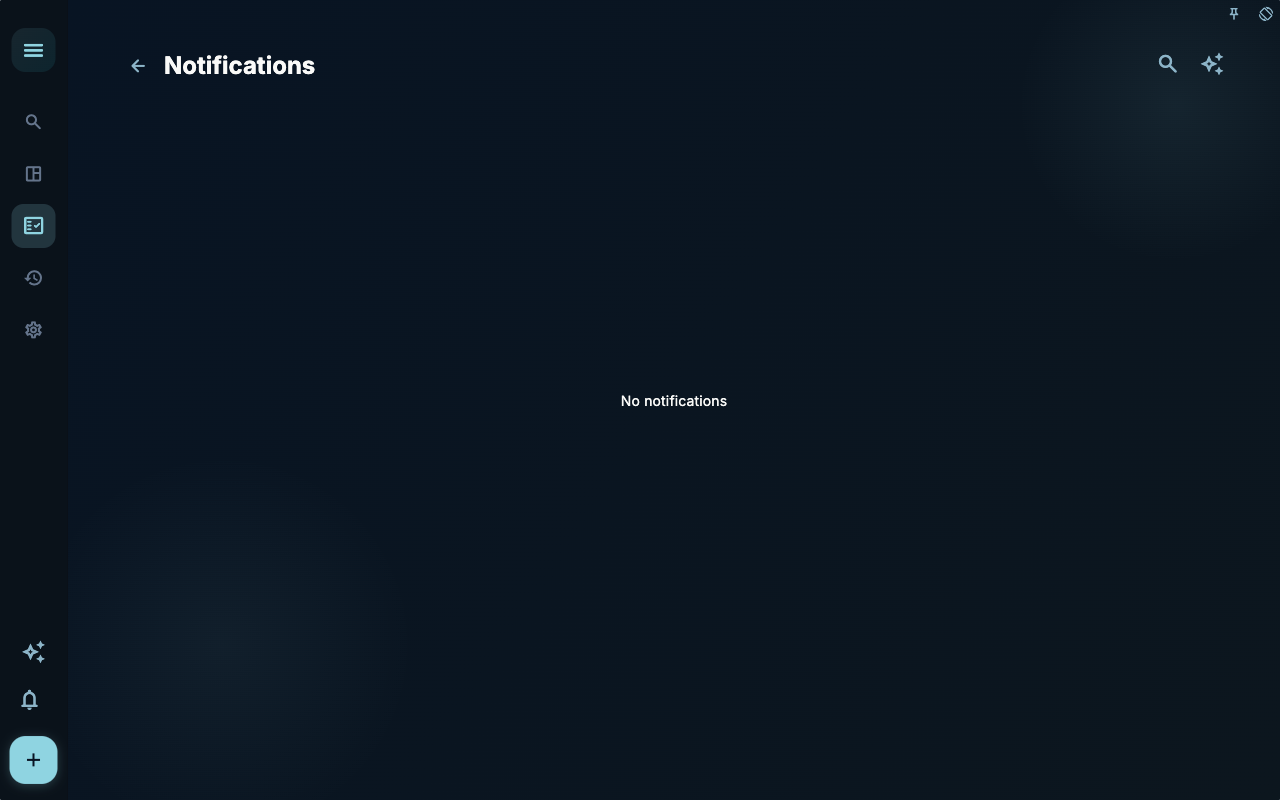
The Notification Center is for viewing reminders and pending prompts. When you see a notification, the goal is not to clear the count to zero, but to decide whether it points to a real next step.
How to Decide Your Next Step
Section titled “How to Decide Your Next Step”| Your Situation | What to Check First | Next Step | | --- | --- | --- | | Not sure where to start | Current page title and main entry points | Pick only the item that relates to your current goal | | Result is wrong after an action | Status, empty prompts, access logs, or sync progress | Go back one level and troubleshoot in order | | Worried about affecting data | Backup, sync, account, or permission notes | Stop first, confirm the scope, then continue |
Boundaries
Section titled “Boundaries”If you have just opened Granoflow, don’t rush to configure the entire system. First put your current task into it, then enter Search, Notifications, or Settings as needed.
Next Steps
Section titled “Next Steps”After reading this section, return to the task you are working on. Choose just one minimal action to continue: record an input, check a status, or open relevant settings to complete a single confirmation.