Command Line Reference
The command reference is for those who already know what they’re looking for. Make sure the desktop app is running before copying any commands.
A Real Scenario
Section titled “A Real Scenario”If a command doesn’t return the expected result, check the access log and local interface status first instead of jumping straight into editing your script.
Check the Interface First, Then the Command
Section titled “Check the Interface First, Then the Command”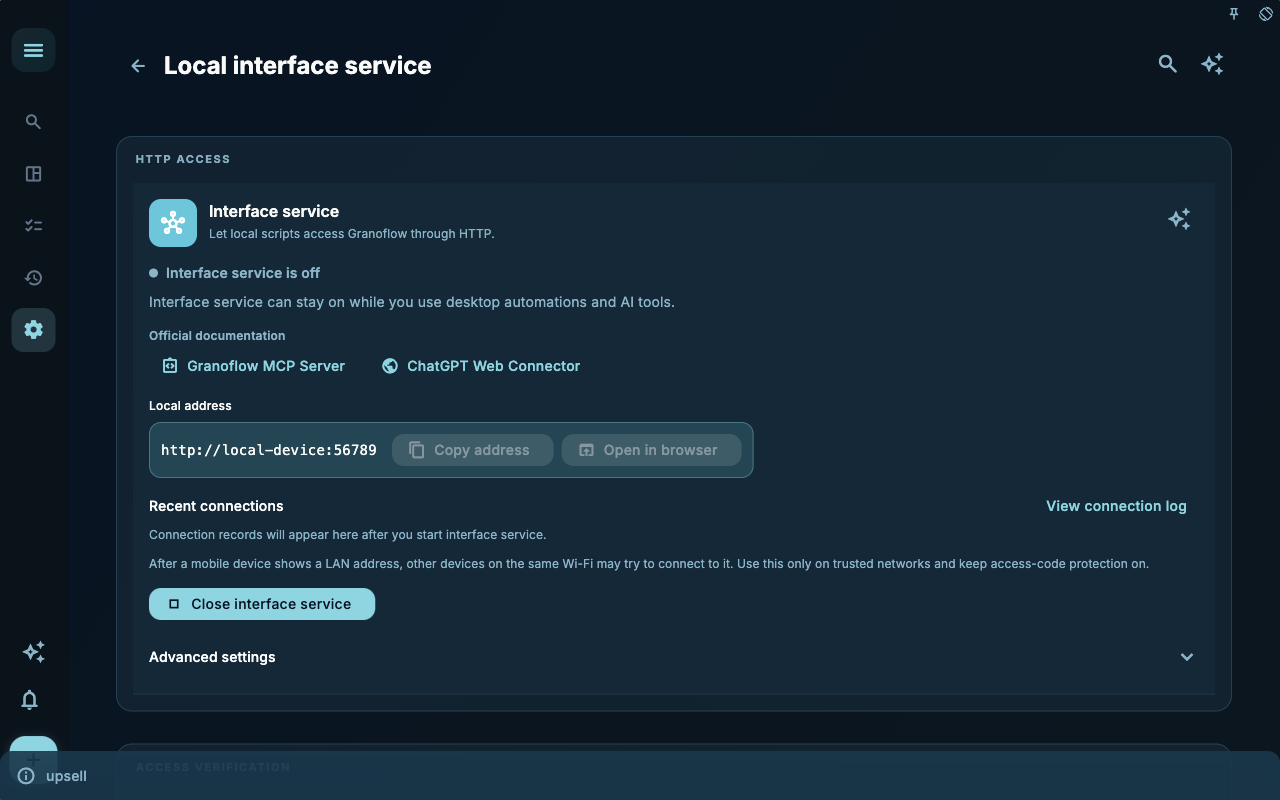
The command line tool settings page tells you whether the local interface is available, what its address is, and where to find the access code. When a command fails, check here first rather than modifying your script.
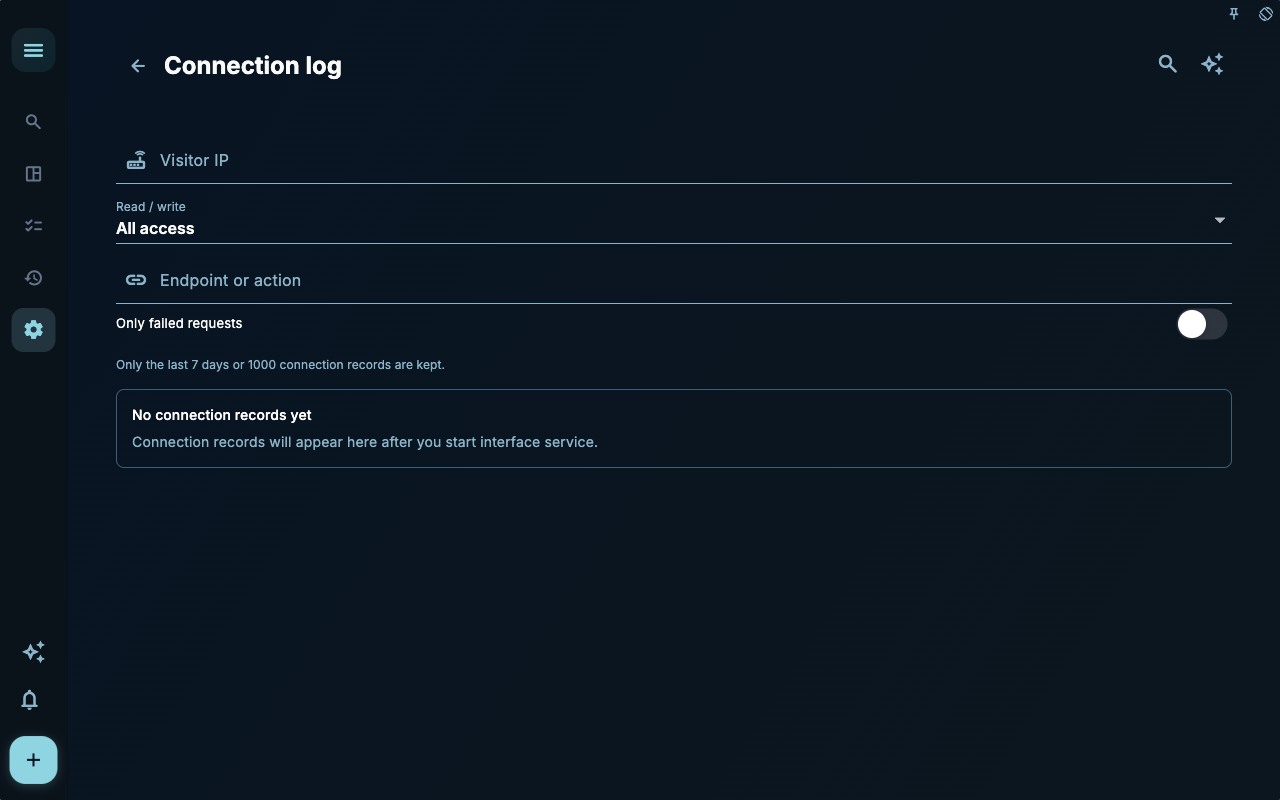
The access log helps you determine whether the request reached Granoflow. If no entries appear in the log, the issue is usually with the address, port, network, or tool configuration. If entries exist but the request failed, check permissions and parameters.
How to Proceed
Section titled “How to Proceed”| Your Situation | Look At | Next Step | | --- | --- | --- | | Not sure where to start | Current page title and main entry points | Choose only the item related to your current goal | | Action produced wrong result | Status, empty state, access records, or sync progress | Go back one level and troubleshoot step by step | | Worried about affecting data | Backup, sync, account, or permissions info | Stop, confirm scope, then continue |
Boundaries
Section titled “Boundaries”A command will only work if the local service is available, the access code is correct, and the request address points to the current device.
Prerequisites
Section titled “Prerequisites”granoflow --helpIf the command is not available, go back to the desktop app installation and command line tool settings. This command reference page is for usage lookup only—it does not replace installation or authorization.
| Issue | Check First | | --- | --- | | Command not found | Is the CLI in PATH? | | Connection failed | Is the desktop app running? Is the local interface enabled? | | Unauthorized response | Is the access code correct? | | Empty data | Does the current account and local data match expectations? |
Next Step
Section titled “Next Step”After reading this section, return to the task you were working on and perform the smallest action possible: log one input, check one status, or open the relevant settings to confirm once.