Account, Sync, and Data Entry Points
Account and data entry points determine where your data lives, who can restore it, and how to migrate. Don’t wait until you switch devices or run into problems to look at these settings.
A Real-World Scenario
Section titled “A Real-World Scenario”If you’re about to switch computers, first check your account status, sync status, and local backup. If you’re just organizing your decks, don’t mistake deck export for a full backup.
First, Distinguish Account from Data
Section titled “First, Distinguish Account from Data”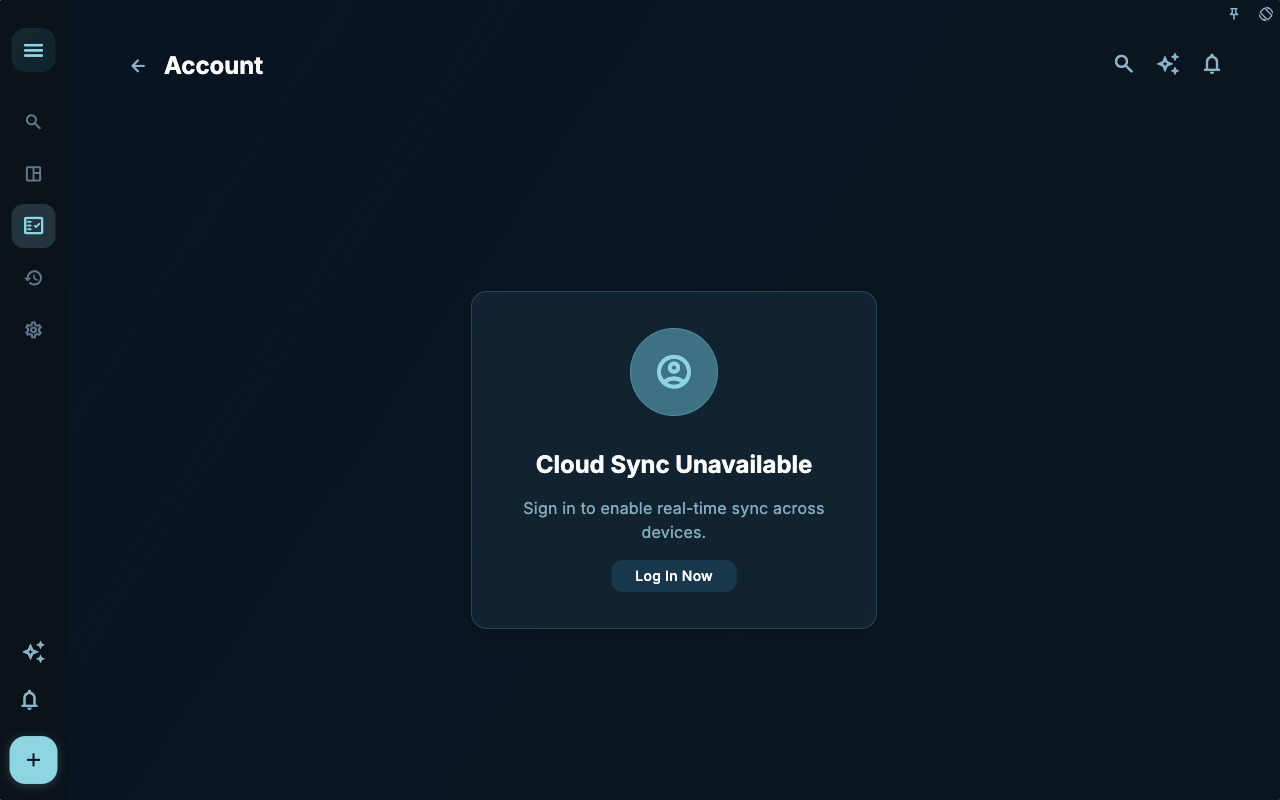
The account page answers “Who’s currently using this?” Before switching devices, renewing a membership, or troubleshooting sync, confirm the account identity here.
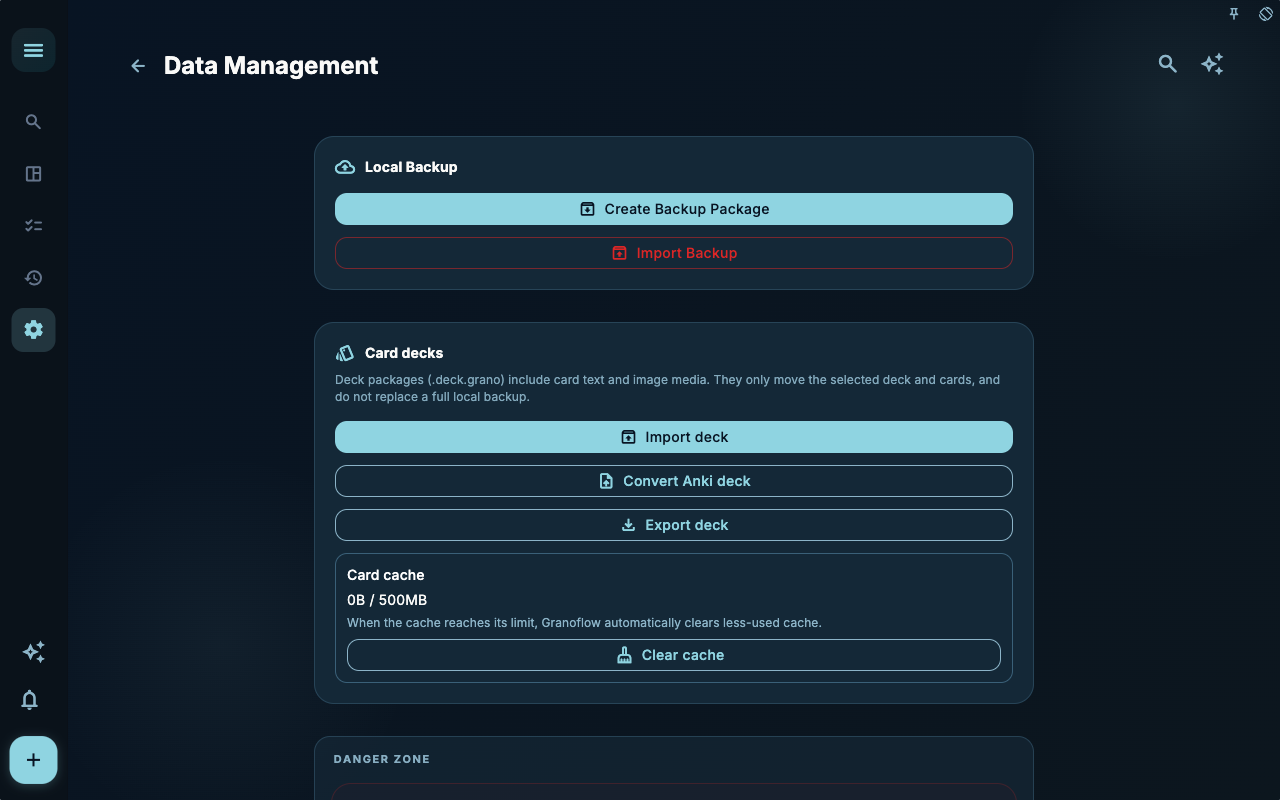
Data management answers “How are files backed up, imported, cleaned, or migrated?” If you’re only organizing tasks, you don’t need to come here. If you’re switching devices, exporting decks, or cleaning up attachments, this is the main entry point.
How to Decide What to Do Next
Section titled “How to Decide What to Do Next”| Your situation | What to check first | Next step | | --- | --- | --- | | Not sure where to start | Current page title and main entry points | Pick only the one related to your current goal | | After an operation, the result is wrong | Status, empty state hints, access history, or sync progress | Go back one level and troubleshoot step by step | | Worried about affecting your data | Backup, sync, account, or permissions documentation | Stop first, confirm the scope, then proceed |
Boundaries
Section titled “Boundaries”Account, sync, and backup each handle one thing. First, clarify your goal, then choose the right entry point.
Next Steps
Section titled “Next Steps”After reading this section, return to the task you were working on and choose only one small action to continue: log an entry, check a status, or open the relevant settings to confirm once.