Quick Start
Getting from direction to action doesn’t mean writing a grand plan first. It means putting a real input in the right place.
A Real Scenario
Section titled “A Real Scenario”For example, you think “organize course project materials.” First put it in the inbox, then decide which project it belongs to and what step you can take today.
How an Input Enters the Action Chain
Section titled “How an Input Enters the Action Chain”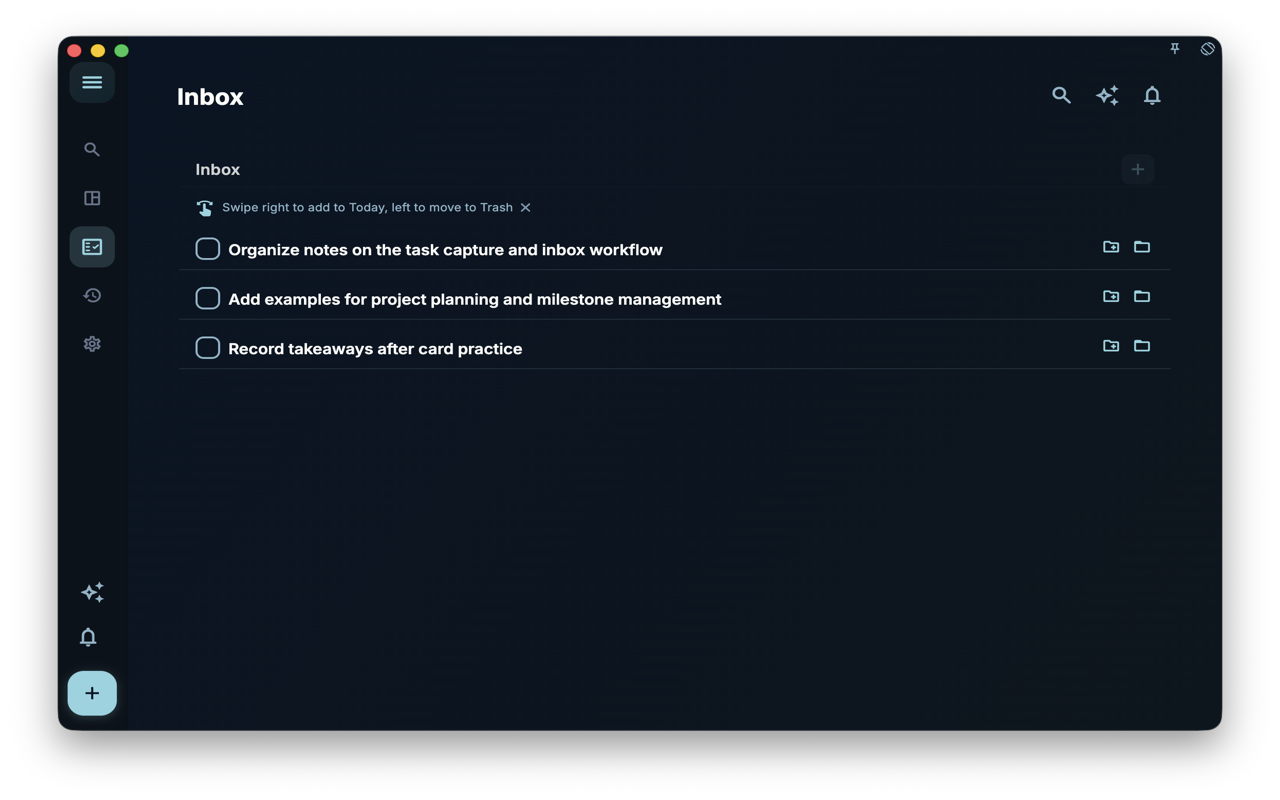
The inbox catches temporary thoughts like “organize course project materials.” It may not be an executable task yet, but at least the input won’t be lost.
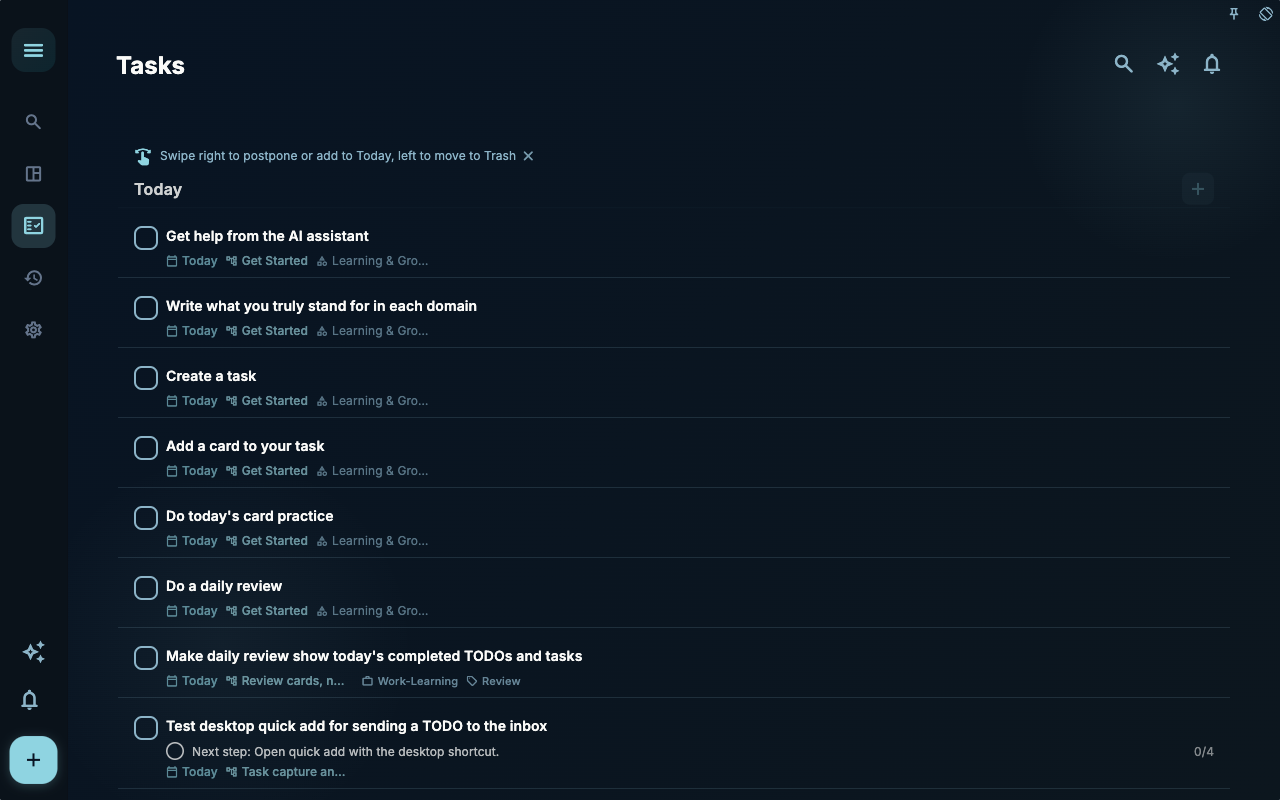
Once the input is refined into a clear next step, it should go to the task list. Here you should be able to see what the action is, when to do it, and whether it belongs to a project.
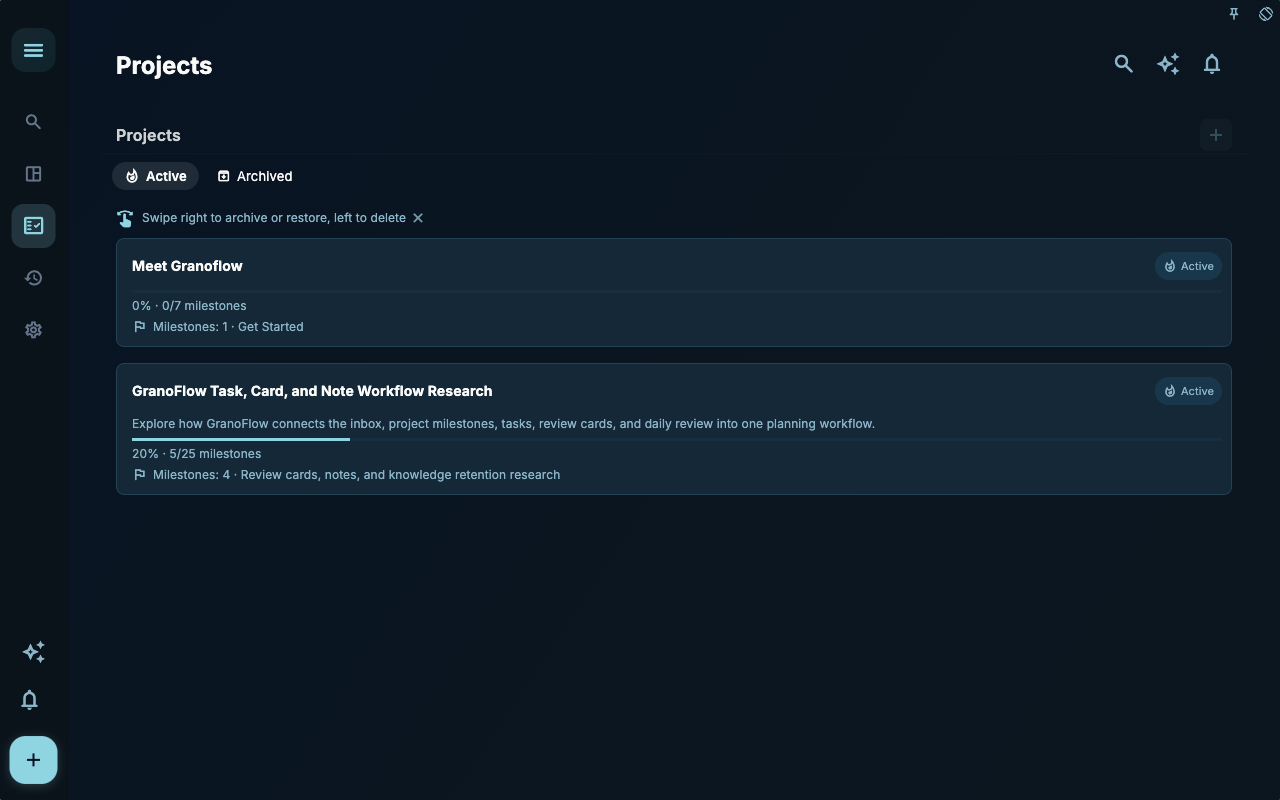
The project page handles longer-term goals. If an idea takes more than a day and needs continuous effort, don’t leave it only in the task list.
How to Decide the Next Step
Section titled “How to Decide the Next Step”| Your situation | What to check first | Next step | | --- | --- | --- | | Not sure where to start | Current page title and main entry points | Pick only one item related to your current goal | | Result is wrong after an operation | Status, empty hints, access logs, or sync progress | Go back one level and troubleshoot step by step | | Worried about affecting data | Backup, sync, account, or permission notes | Stop, confirm the scope, then continue |
Boundaries
Section titled “Boundaries”Start with just one real task. The system grows as you use it.
Next Steps
Section titled “Next Steps”After reading this section, go back to the task you’re working on and pick only one minimal action to continue: record one input, check one status, or open the relevant settings to confirm once.